
Reliable production begins with proper equipment management. For businesses involved in custom apparel manufacturing, maintaining a DTF printer on a daily basis is essential for achieving consistent print quality, ダウンタイムの短縮, and maximizing return on investment. Whether producing customized T-shirts, パーカー, or promotional garments, following proven operational practices can significantly improve productivity and customer satisfaction. As specialists in digital printing solutions, we have seen how daily maintenance and optimized workflows help businesses get the best performance from every DTFプリンター, especially a high-output dual head DTF printer.
Perform Daily Maintenance Before and After Production
Regular maintenance is one of the most important practices for keeping a DTF printer operating efficiently. Before starting production, operators should conduct nozzle checks to ensure proper ink flow and identify any potential printhead issues. After production, cleaning procedures should be completed to prevent ink buildup and nozzle clogging.
For companies using a デュアルヘッドDTFプリンター, maintenance becomes even more critical because two printheads are working simultaneously to achieve higher productivity. Consistent cleaning and inspection help maintain balanced performance, ensuring vibrant colors and sharp image quality throughout the production process.
さらに, keeping the printing environment clean and monitoring ink levels can prevent unnecessary disruptions. A structured maintenance routine helps extend machine lifespan while reducing costly repairs.
Optimize Printing Settings and Workflow Efficiency
A DTF printer delivers the best results when supported by accurate workflow management. Businesses should ensure that artwork files are properly prepared, color profiles are correctly configured, and RIP software settings are optimized for the intended application.
The XF-400PRO A2 model supports mainstream RIP software, providing flexible workflow control and seamless integration into existing production environments. This capability allows operators to maintain consistent color accuracy and efficient production scheduling.
When operating a dual head DTF printer, organizing print jobs strategically can further improve efficiency. Grouping similar orders together minimizes setup adjustments and helps maximize machine utilization, enabling businesses to handle larger production volumes without sacrificing quality.
Utilize the Full Potential of Professional DTF Equipment
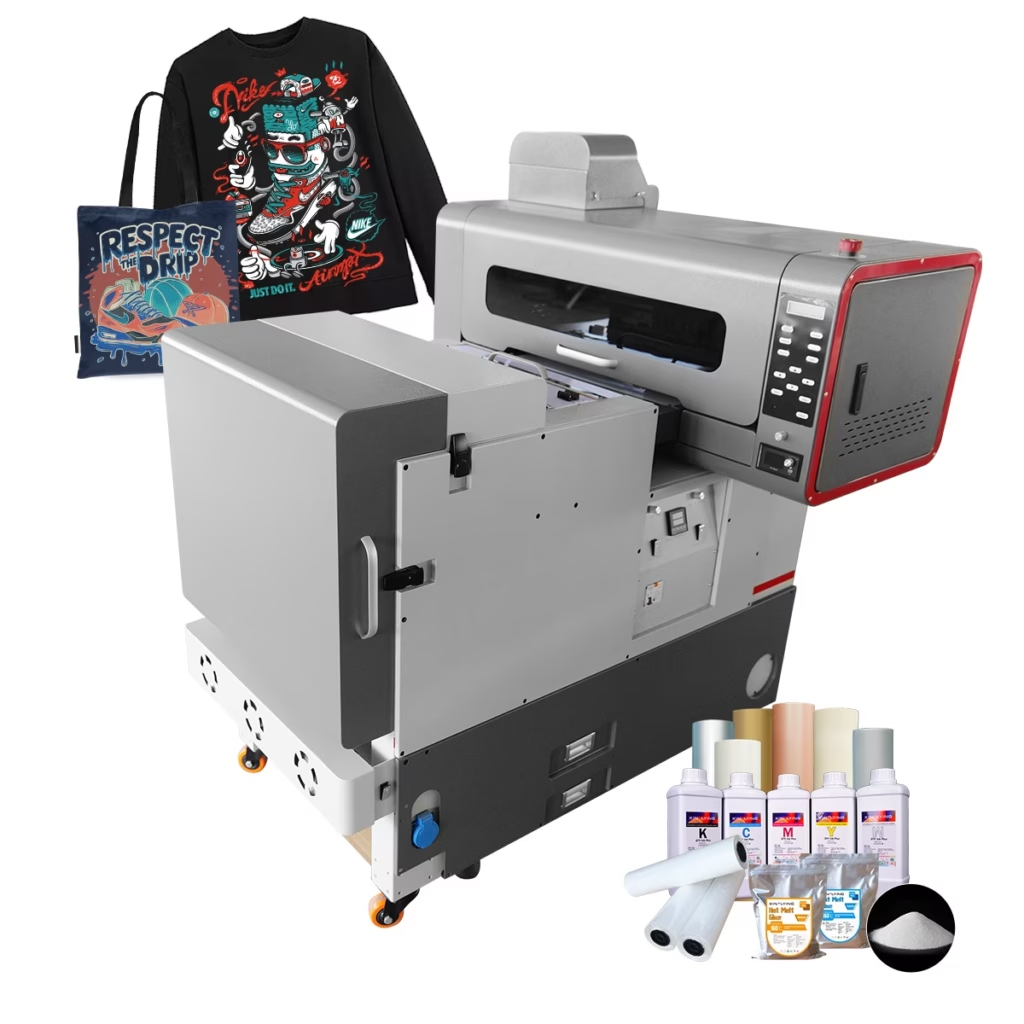
Choosing advanced equipment is another key factor in successful daily operation. Our XF-400PRO A2 Dual F1080 Printheads All-in-One DTF printer is designed to print logos, グラフィックス, and custom artwork with exceptional precision across a variety of textiles.
Equipped with dual Epson F1080-A1 printheads, this dual head DTF printer produces vivid colors and crisp details that meet the quality requirements of fashion brands, print-on-demand providers, and garment decorators. Its ability to handle both small designs and large print layouts makes it a versatile solution for growing businesses seeking reliable production performance.
Why Businesses Choose Xinflying
Daily success with a DTF printer depends on consistent maintenance, efficient workflow management, and dependable equipment. By implementing these best practices, businesses can improve output quality, ダウンタイムを最小限に抑える, and increase overall productivity.
シンフライングにて, we specialize in the digital printing industry and are committed to driving innovation while serving as a trusted supplier of printing machines and consumables worldwide. Our advanced DTF printer solutions, including the XF-400PRO dual head DTF printer, help customers achieve outstanding printing performance and long-term business growth.