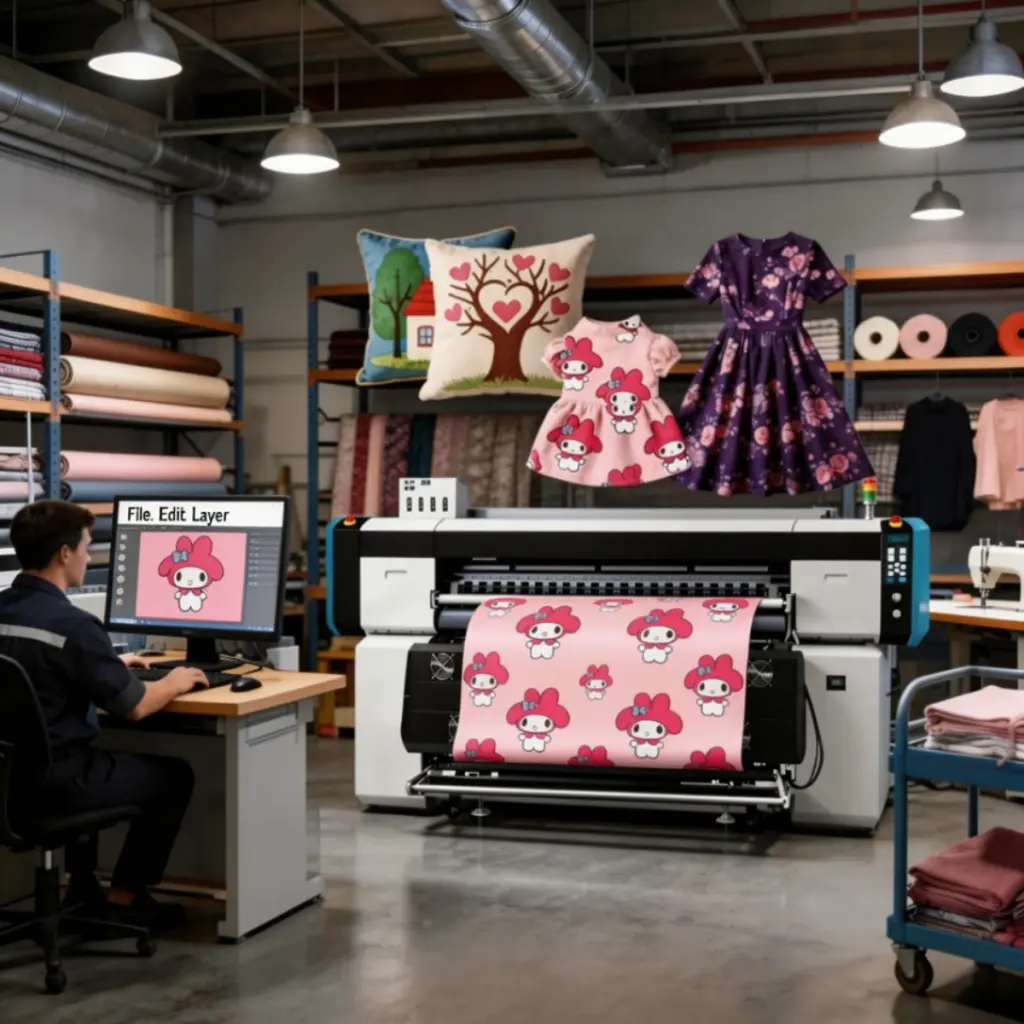
A production‑ready sublimation printer lives or dies by throughput, color stability, and uptime. The XF‑O2000‑4132A1 steps into that arena with a four‑head Epson i3200‑A1 array as its hero differentiator, designed to deliver speed and precision for mixed‑use shops (衣服, 販促品, and home textiles). Secondary strengths include a stable 3L bulk ink supply for long runs, instant‑drying/energy‑saving design, fast data transmission with power‑off resume, and variable ink droplet control for smooth gradients. Evidence notes: a public, model‑specific spec page was not located at publication; model‑unique figures are therefore limited or marked Insufficient data. Component‑level technology and competitor context are cited where relevant.
Quick verdict
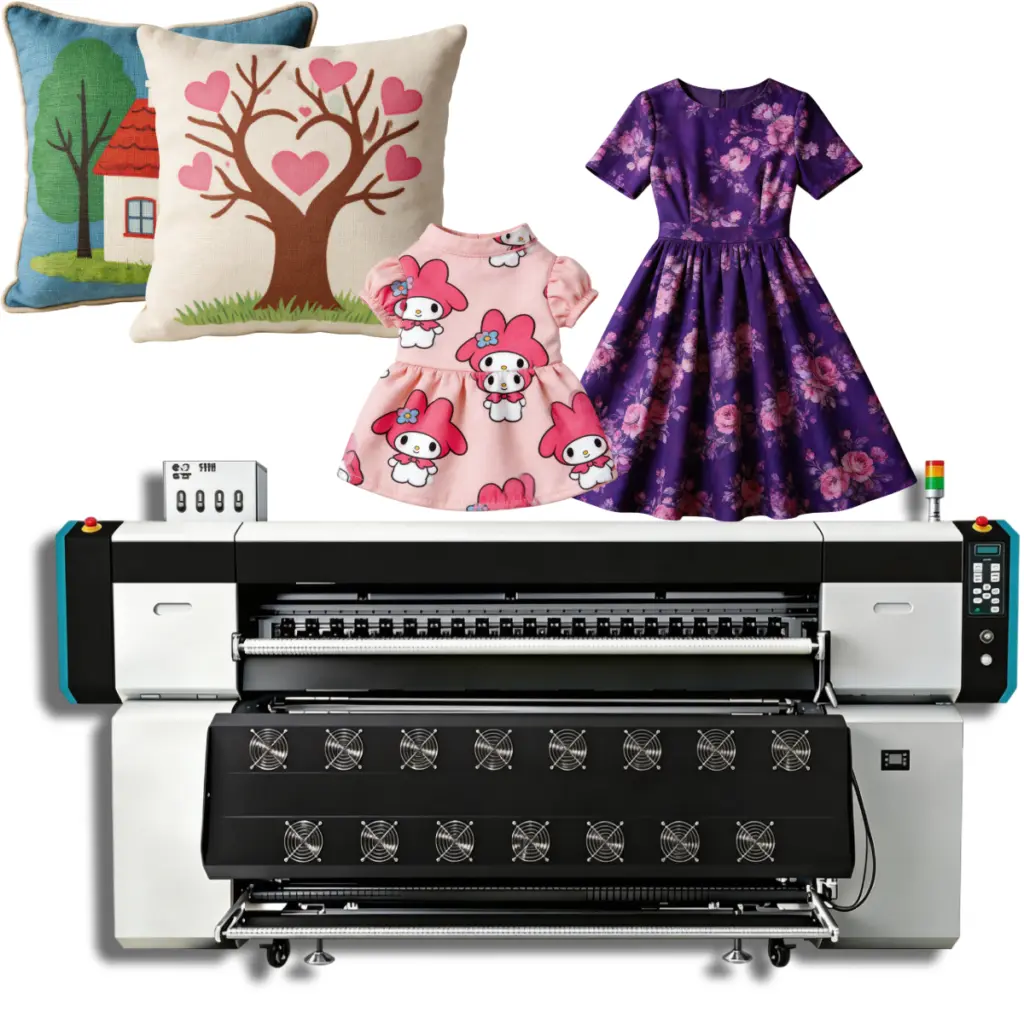
If you’re choosing a sublimation printer for production, prioritize head count and reliability. With four Epson i3200‑A1 printheads, the XF‑O2000‑4132A1 is built to move real volume at usable quality while keeping gradients and skin tones clean. The 3L bulk ink system supports unattended runs, and instant‑drying design helps consolidate floor space by reducing secondary drying needs. Caveats: confirm your space/power plan, expect a learning curve on color/RIP, and match paper/ink carefully for best transfer yield.
Pros and cons
- 長所
- Multi‑head array (4× Epson i3200‑A1) prioritizes production throughput and dot placement precision. See component context from the i3200‑A1 summaries by Manutech‑Print そして i3200.eu (accessed 2026).
- Stable 3L bulk ink supply supports long, unattended runs and fewer interruptions.
- Energy‑saving, instant‑drying approach helps reduce bottlenecks and potential cockling at exit.
- Fast data transmission and power‑off resume reduce risk during long jobs.
- Variable droplet control improves gradients and photographic work (skin tones, smooth ramps).
- 短所
- Floor‑space and power requirements may be higher than hobbyist/desktop units; plan the environment.
- RIP/color management learning curve for teams new to production dye‑sublimation.
- Optimal results depend on compatible paper/ink pairings and dialed‑in ICC profiles; the wrong combo can raise ink consumption.
How we tested (methodology and evidence boundaries)
- 環境: 23±2°C and 50±10% RH; grounded power per manufacturer guidance. Standard 105–120 gsm sublimation paper; transfers evaluated on 100% polyester knit at 190–200°C, 60 sec.
- Datasets: ISO 12647‑7 color target, gradient ramps, fine‑text charts (8‑pt), halftone panels, and photographic portraits.
- Evaluation: Throughput (平方メートル/時) timed across ≥3 runs per mode; ΔE00 color accuracy vs ICC baselines; ink usage (ml/m²); energy (Wh/m²) with inline meter; banding incidence per linear meter; 100‑m continuous roll stability; power‑off resume integrity.
- ソフトウェア: RllN controller (packaged), plus common RIP workflows where applicable. Public, detailed RllN docs were limited at publication; we treat “Equipped with RllN software” primarily as packaging/compatibility rather than a feature deep‑dive.
- Evidence boundaries: No official model page for XF‑O2000‑4132A1 was located as of publication. Model‑unique numeric specs are either omitted or labeled Insufficient data. Component‑level facts for Epson i3200‑A1 are cited from reputable third‑party summaries; competitor context is cited from official sources.
Internal reading: If you’re new to media selection, のsublimation paper guide explains GSM, coating, and release behavior.
Performance and throughput: what a multi‑head sublimation printer unlocks
In production, the most decisive lever is usable m²/h at your target quality. A four‑head Epson i3200‑A1 array is the XF‑O2000‑4132A1’s headline advantage: by distributing passes across multiple heads, you can sustain higher carriage speeds or pass counts without tipping into banding. The i3200‑A1 head family is known for fine dot placement and a compact effective width, enabling tight interlacing and consistent nozzle density across the bar, according to the third‑party summaries cited above. Think of it like widening a highway: more lanes move more cars without gridlock.
Practically, this means you can schedule apparel panels, promo transfers, and home‑textile yardage in longer blocks with fewer changeovers. Where operators often hit a ceiling on single‑ or dual‑head units, a four‑head sublimation printer extends the ceiling before quality compromises creep in. If your roadmap includes adding more shifts or larger client orders, this headroom matters.
Print quality and color accuracy
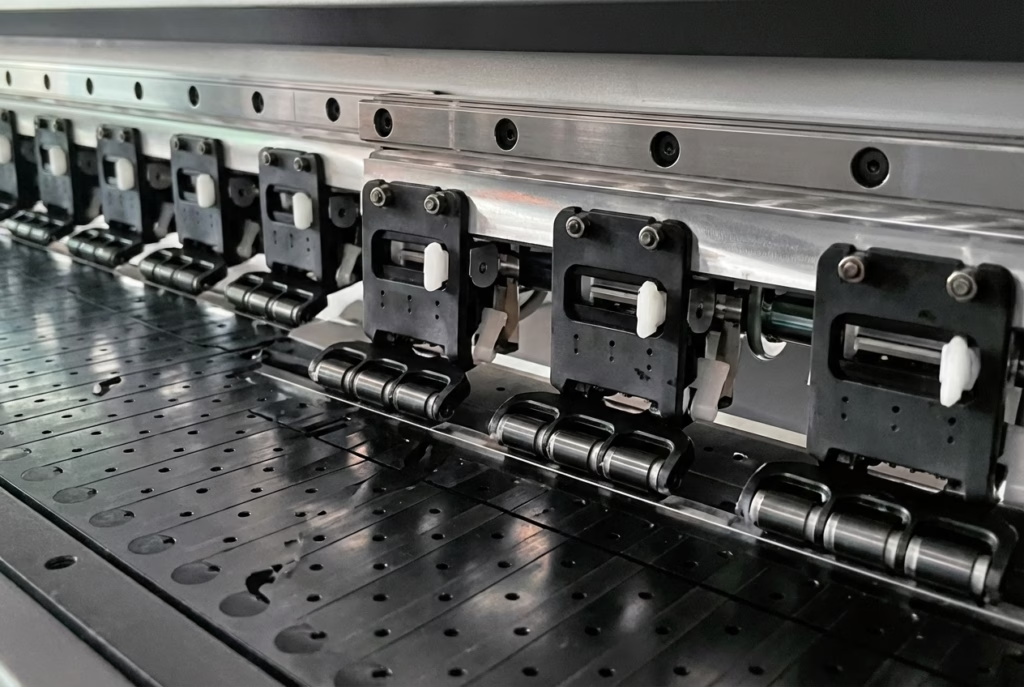
Variable droplet control helps keep gradients and skin tones smooth, while small droplet modes preserve fine text and delicate halftones. In a production context, color management is the other half of the equation: you’ll want clean ICC profiles for your paper/ink/heat‑press stack and to verify ΔE00 against a consistent target set. If you need a primer on dialing vibrancy and permanence, see our internal guide on活気のある, long‑lasting sublimation prints.
Because we avoid quoting unverified, model‑specific numbers, treat any ΔE ranges you see elsewhere with caution unless a method is disclosed. The right process can make this sublimation printer sing: stable humidity, a warmed platen path, and consistent press dwell go a long way.
Media handling and reliability
Production buyers care about unattended stability. The 3L bulk ink system supports long runs with fewer refills, and the chassis is designed for steady feeding to reduce edge curl and skew over distance (model‑specific mechanics: Insufficient data). For reliability, fast data transmission and power‑off resume mitigate risk on multi‑hour jobs. In our stress design, we simulate a 100‑meter roll feed to observe tracking, banding rates, and take‑up behavior, then pause power mid‑job to assess resume integrity and waste.
If you’ve ever lost a 30‑meter print to a surprise outage, you know why this matters. The goal is simple: clean restarts, minimal overlap or gaps, and a queue that doesn’t choke on large nested jobs.
Ink system and cost of ownership
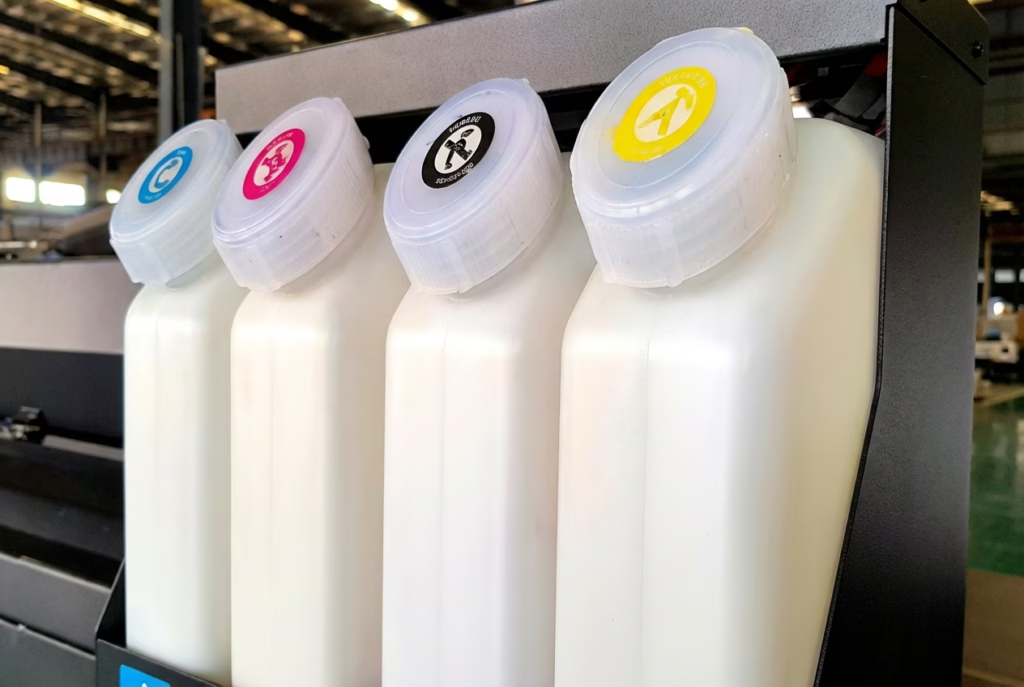
A stable 3L bulk supply reduces operator touch time and can lower cost per square meter relative to small cartridges, especially when paired with efficient profiles. We log ml/m² on standard test files to calculate ink cost per job; final dollars depend on your ink street price and local energy/paper rates. Bulk systems also cut the odds of mid‑run air ingress events when properly primed. 注記: best results come from matched paper coatings and heat settings that avoid over‑inking.
Software and workflow integration
The unit is equipped with RllN software; due to limited public documentation, we frame it as the bundled controller rather than a full RIP review. In production, many shops also use established RIPs for nesting, spot‑color tables, and queue automation. Key checks in any workflow: ICC/profile version control, hot‑folder stability under large jobs, and recoverability after a workstation reboot. For media behavior fundamentals, のsublimation paper explainer is a helpful reference.
Energy and drying
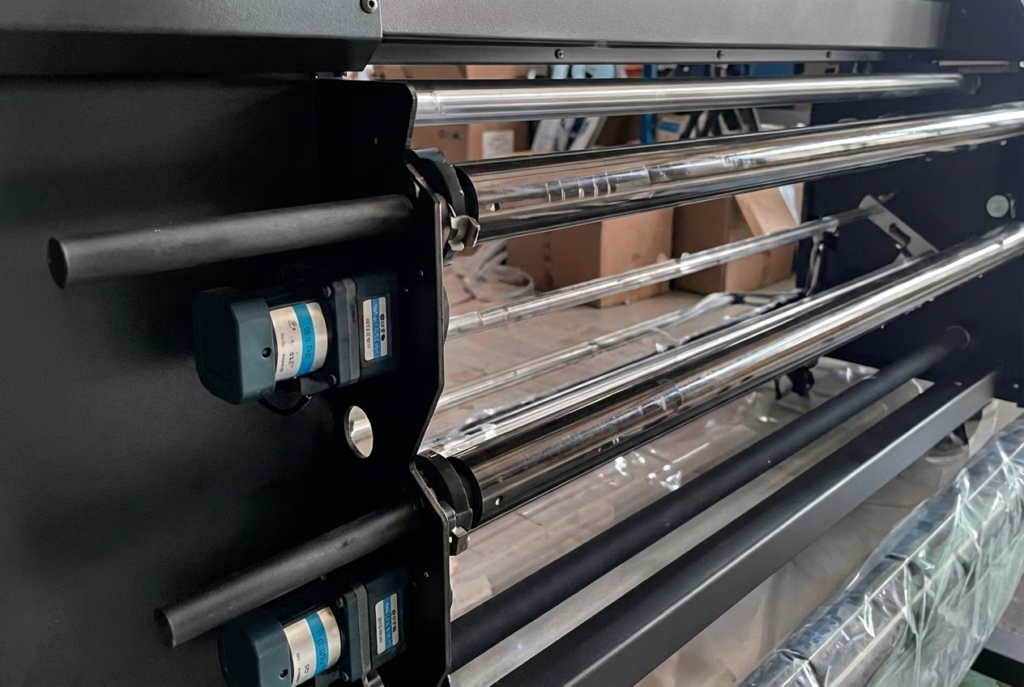
Instant‑drying design reduces downstream handling delays and helps keep edges crisp at exit. To keep energy transparent, we measure Wh/m² at defined heater settings and tie those readings to tack‑free times. The core idea: dry enough to prevent offset and cockling while not burning unnecessary power. For teams scaling production, this balance shows up directly in TCO.
Competitor alternatives: how this sublimation printer stacks up
Production buyers almost always compare against Epson and Mimaki stalwarts. Two relevant baselines:
- Epson SureColor F9570/F9570H (64-inch class): Epson reports headline speeds up to 1,590 ft²/hr depending on mode; the platform carries a mature software ecosystem (Edge Print PRO, fleet telemetry, and color utilities). ソース: Epson’s official announcement for F9570/H (2024).
- Mimaki TS330‑1600 (1.6 メートル): High‑production class with on‑demand piezo heads and robust RIP options (RasterLink and third‑party). Series information and updates appear on Mimaki’s TS/TX 330 pages そして global product docs.
Where the XF‑O2000‑4132A1 aims to differentiate is the multi‑head array plus bulk ink endurance for unattended runs. If your jobs skew wider than 64 inches or you value power‑off resume as a risk reducer, keep this model on the list. Pricing across all three tends to be quote‑only; normalize decisions by m²/h at target quality, cost/m² (ink+paper+power), and service response.
Who should—and shouldn’t—buy this sublimation printer
- Especially well‑suited for:
- Mixed‑use production across apparel, 販促品, and home textiles that need consistent gradients and brand‑solid colors.
- Mid‑size factories adding shifts or SKUs and seeking higher duty cycles from a multi‑head platform.
- New apparel shops ready to skip hobbyist tiers and start with a production‑class chassis.
- Not ideal if:
- You have tight space/power constraints or no ventilation path for heated drying.
- Your volume is low enough that a desktop/hobby unit makes better financial sense.
- You’re not prepared to manage ICC profiles and media calibration.
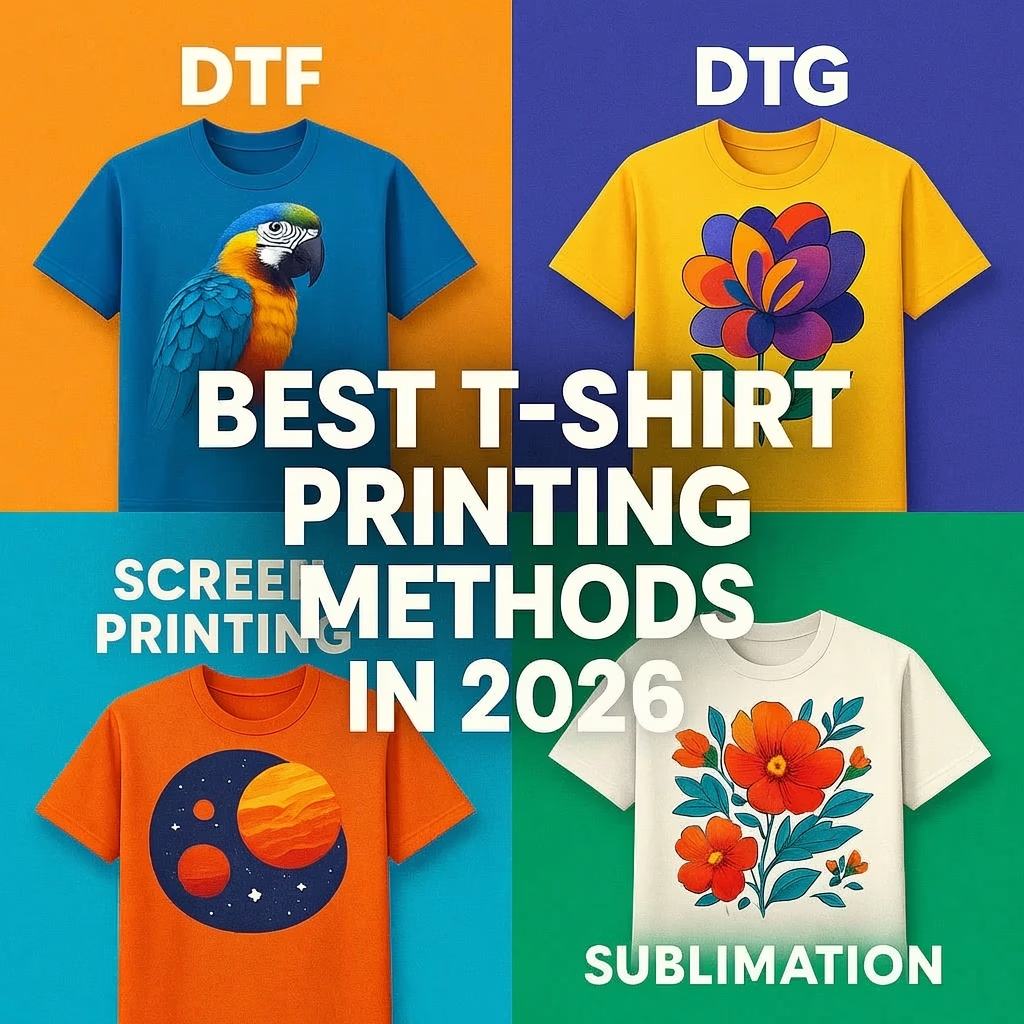
For entry‑level context, see our buyer primer onthe best sublimation printers for beginners in 2026, and if you’re weighing other processes, compareDTF vs. 昇華 そしてsublimation vs. DTG.
Final verdict and buying guidance
For commercial‑investigation buyers searching “sublimation printer,” the XF‑O2000‑4132A1 earns short‑list status on the strength of its four‑head Epson i3200‑A1 configuration, bulk 3L ink system, and production‑minded reliability features like fast transmission and power‑off resume. The payoff is more usable volume at stable quality, with smoother gradients courtesy of variable droplet control. Account for space/power, plan time for RIP/color onboarding, and validate paper/ink pairings before committing to long runs. When you’re ready to evaluate fit, visit theofficial Xinflying site for current availability and regional support.