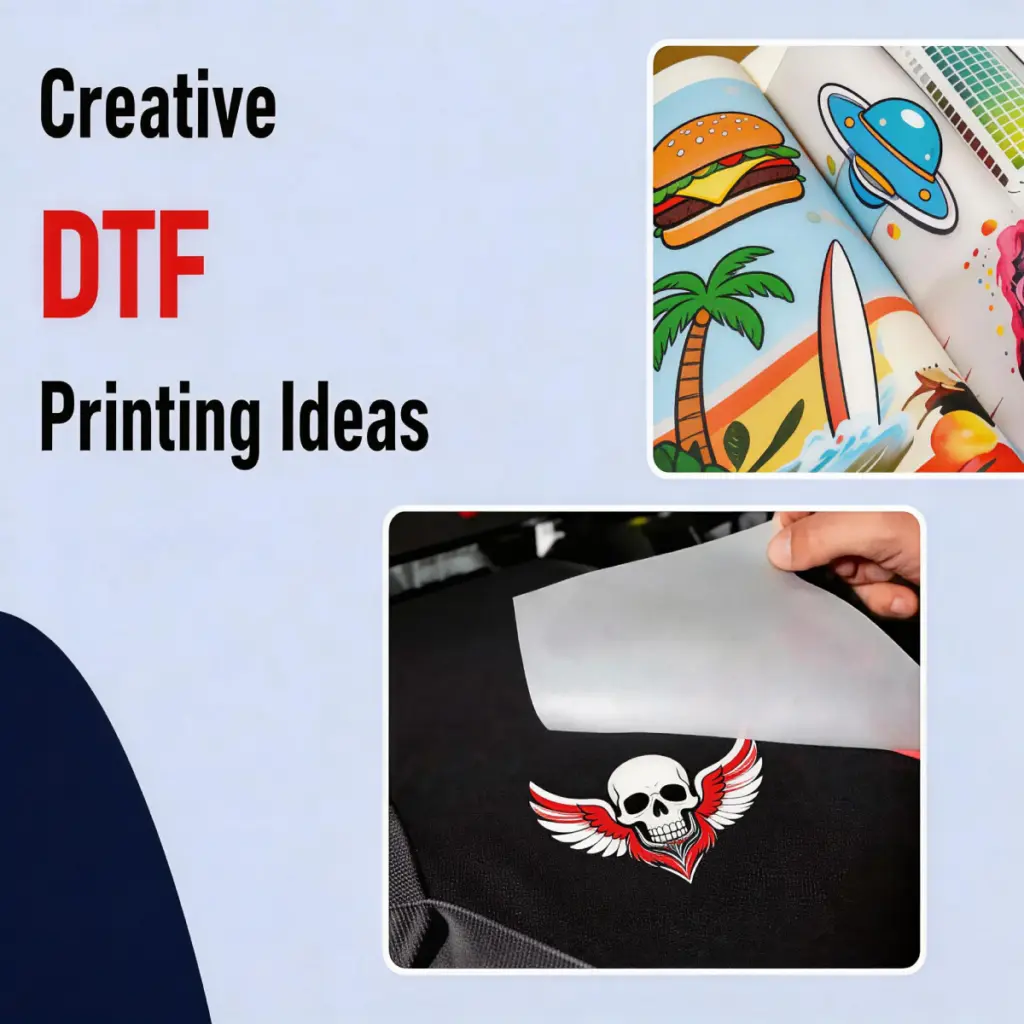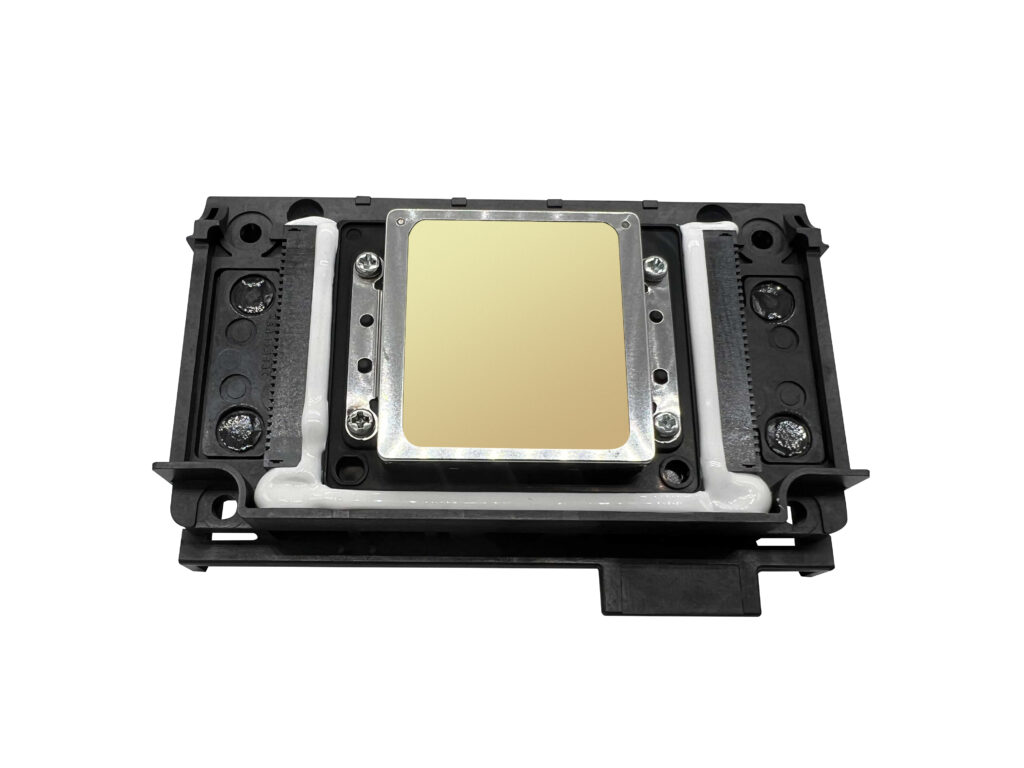
DTF (직접 영화) 인쇄는 맞춤 의류 및 액세서리 인쇄를위한 인기 있고 다재다능한 방법이되었습니다.. 하지만, the printhead is one of the most sensitive and expensive components of a DTF printer. Proper care and maintenance are essential to extend its lifespan and maintain consistent print quality.
Here are some practical tips to help you get the most out of your DTF printer printhead:
1. Routine Cleaning is Essential
ㅏ. Use the Printer’s Automatic Cleaning Function
Most DTF printers come equipped with an automatic cleaning feature. Use this function regularly to flush out dried ink and maintain smooth ink flow. Running this cleaning cycle at least once a week is recommended, even if the printer is not in heavy use.
비. Manually Clean the Printhead Exterior
Turn off the printer, unplug it, and carefully clean the external surface of the printhead. Use a soft, lint-free cloth dampened with distilled water to remove dust, ink buildup, or other debris. Be gentle to avoid damaging the printhead.
2. Deep Cleaning for Persistent Clogs
If the printhead experiences severe clogs, additional measures may be necessary:
ㅏ. Soaking the Printhead
Remove the printhead according to your printer’s manual and soak it in a DTF-specific cleaning solution for a few hours or overnight. This process dissolves dried ink and debris that regular cleaning cannot remove. After soaking, rinse the printhead with distilled water, allow it to dry completely, and reinstall it.
비. Flushing with a Syringe
For targeted cleaning, use a syringe to gently push cleaning solution through the printhead’s nozzles. This method can remove stubborn clogs but should be performed with caution to prevent over-pressurizing the printhead.
3.Keep the Printer Active
ㅏ. 정기적으로 인쇄하십시오
Even if you’re not using the printer for production, print a small test image every 2–3 days to keep the ink flowing through the printhead. Regular usage helps prevent ink from drying out and clogging the nozzles.
비. Plan Printing Sessions Efficiently
Avoid frequent interruptions during large print runs, as this can cause ink to dry inside the printhead. If you need to pause, ensure the printhead is parked in its maintenance position to keep it moist.
4. Use High-Quality Consumables
ㅏ. Choose Reliable Inks
DTF printers work best with high-quality, DTF-compatible inks. Inferior or incompatible inks can lead to clogs, uneven printing, and long-term damage to the printhead.
비. Select the Right Film and Powders
Using compatible transfer films and powders ensures smooth printing and minimizes the risk of ink-related issues. Subpar materials can cause problems like poor adhesion or ink pooling, which can affect the printhead’s performance.
5. Optimize Your Printing Environment
ㅏ. Control Temperature and Humidity
Keep the room temperature between 64–77°F (18–25°C) and maintain relative humidity at 40–60%. Too much heat or dryness can cause ink to dry inside the printhead, while excessive humidity can affect ink consistency.
비. Reduce Dust and Static
Dust can clog the printhead nozzles, while static electricity can attract particles that interfere with printing. Use anti-static tools, keep the printer covered when not in use, and clean the workspace regularly.
6. Proper Shutdown Practices
When turning off your DTF printer:
• Ensure the printhead is properly capped or parked in its maintenance station to prevent ink from drying.
• Avoid abrupt shutdowns. Let the printer complete any maintenance cycles before powering it off.
결론
이 팁을 따르면, you can extend the lifespan of your DTF printer’s printhead and maintain consistent, 고품질 인쇄물. A little care goes a long way in protecting this vital component and ensuring smooth operation for years to come.