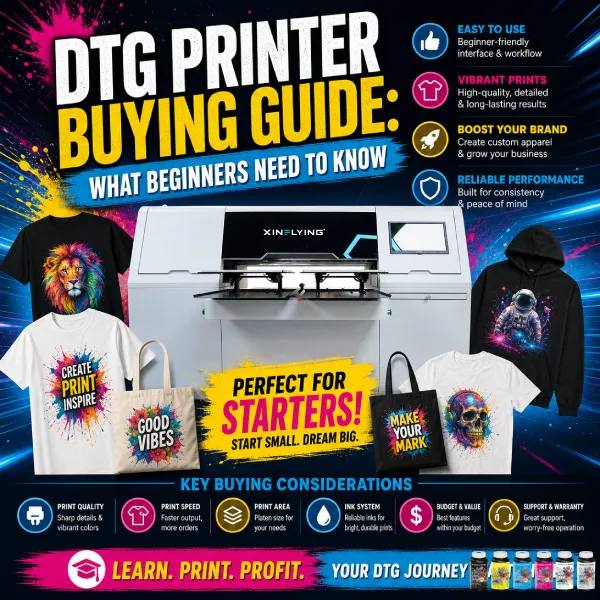
Buying your first DTG 프린터 is a bigger decision than comparing spec sheets — it’s a bet on how your custom apparel business will actually run day to day. Here’s what to actually weigh before buying, the costs beyond the printer itself, and the mistakes that trip up most first-time buyers.
Is DTG the Right Starting Point for You?
DTG printing is one of the more approachable entry points into custom apparel because it skips the setup cost that makes screen printing hard to justify for small or one-off orders. That said, it’s not automatically the right fit for everyone — DTG performs best on 100% cotton or high-cotton-blend garments, so if your product plans lean heavily toward polyester sportswear or all-over designs, DTF or sublimation may be a better starting point. 구매하기 전에, it’s worth being honest about what you’ll actually be printing most, not just what the technology can theoretically do.
It also helps to think about DTG relative to your actual customer base rather than the technology in isolation. If most of your orders are likely to be single shirts or small custom batches — birthday gifts, small event merch, one-off requests from local customers — DTG’s no-setup-cost model plays directly to your favor. If you’re picturing yourself fulfilling 200 identical shirts for a corporate client, that same job would cost far less per unit on a screen press, even after factoring in screen setup time. The honest answer for most beginners is that DTG is a strong first machine precisely because it doesn’t lock you into large minimum orders while you’re still figuring out what your actual demand looks like.
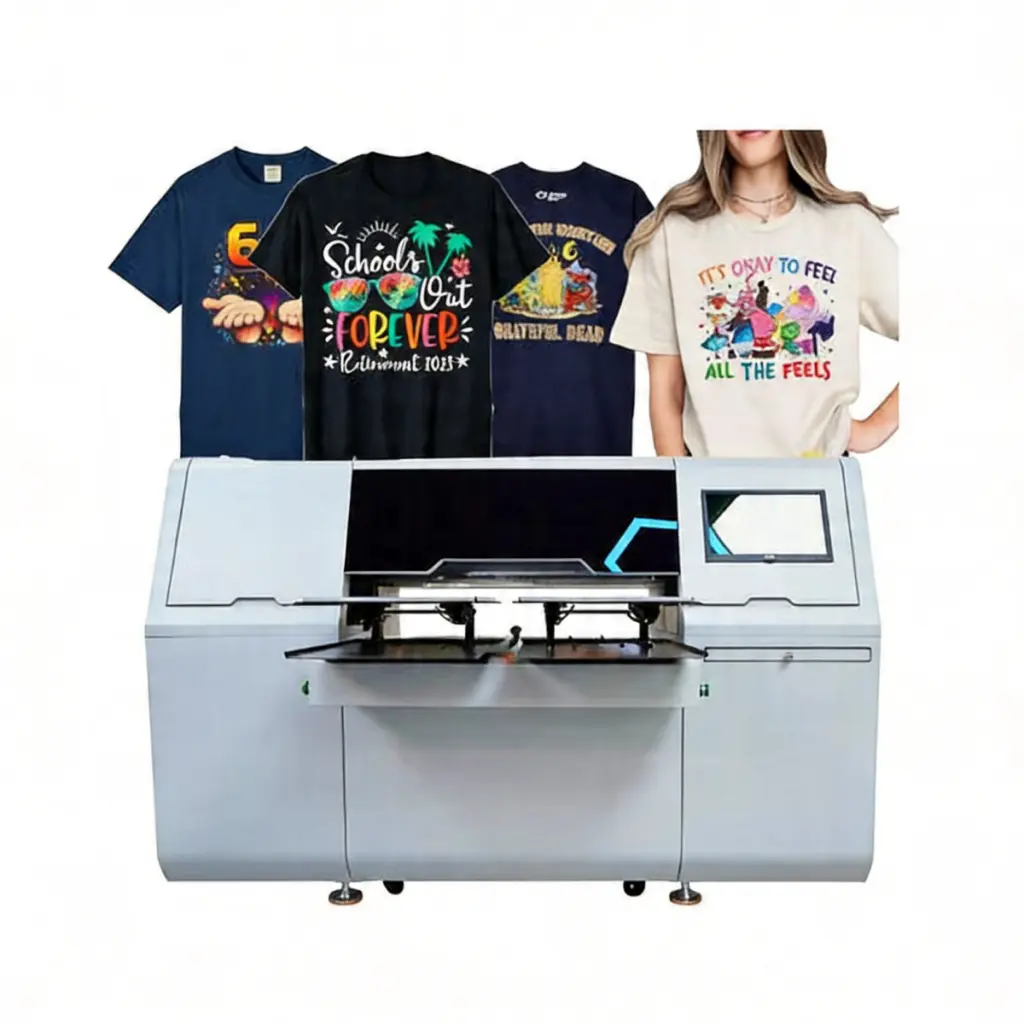
What to Look for in Your First DTG Printer
- Print area size: match this to your typical design size — a left-chest logo needs far less print area than a full-back design, and buying more capacity than you need adds cost without adding value.
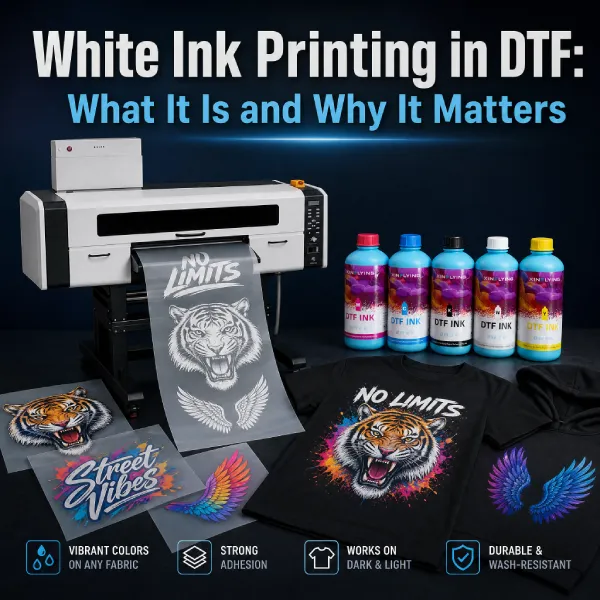
- 흰색 잉크 system: confirm the printer includes a dedicated white ink channel with some form of circulation or agitation, since white ink settling and clogging is one of the most common early frustrations for new DTG operators.
- 전처리 approach: decide whether you want pretreatment built into the machine (all-in-one design) or handled with a separate pretreatment station — all-in-one setups simplify the workflow but may cost more upfront.
- Printhead count and speed: a single or dual-head printer is often plenty for someone testing the waters, since speed matters more once daily order volume grows past what one operator can comfortably handle anyway.
- RIP software and support: check what software the printer uses and what kind of onboarding, documentation, or support is available — this affects how steep your actual learning curve will be far more than the hardware specs do.
- Physical footprint and power requirements: measure your intended workspace against the machine’s actual dimensions and confirm your electrical setup can support its voltage and power draw before ordering, not after it arrives.
- Maintenance accessibility: printers that make routine tasks like nozzle checks and printhead cleaning straightforward tend to get maintained more consistently than ones that require awkward disassembly for basic upkeep — this matters more for a beginner still building good habits.
What DTG Printing Actually Costs to Start
The printer itself is only part of the investment. A realistic first-year budget for DTG printing includes:
- The printer: entry-level single or dual-head machines sit at the lower end of the DTG market, while larger multi-head systems cost significantly more.
- 잉크: CMYK plus white ink, with white ink typically representing the largest recurring cost since it’s used as a solid underbase on every non-white garment.
- Pretreatment solution: needed for any garment that isn’t white or very light-colored.
- Garment blanks: 티셔츠, 후드티, or whatever base products you plan to print on, purchased in bulk for better margins.
- A curing method: either a heat press or conveyor dryer, if one isn’t already integrated into your printer.
- Software and design tools: RIP software licensing (sometimes included, sometimes separate) plus whatever design software you use to prepare artwork.
- Consumables you’ll forget to budget for at first: cleaning solution, 유지 보수 카트리지, capping station replacements, and printhead flush kits all add small but recurring costs over a machine’s first year.
It’s worth building a simple per-shirt cost model before you buy anything — ink cost per print, blank garment cost, and a rough labor estimate per order — so you can sanity-check whether your planned pricing actually leaves a workable margin at the order volume you’re realistically expecting in year one, not the volume you’re hoping for eventually.
Evaluating a Supplier, Not Just a Machine
Beginners tend to compare DTG printers purely on spec sheets, but who you’re buying from matters just as much as what you’re buying. A few questions worth asking before placing an order:
- What does the warranty actually cover, and for how long — printheads specifically, since they’re the most expensive component to replace?
- Is technical support available in your time zone and language, and through what channel (phone, email, video call)?
- How readily available are spare parts and consumables like ink and printheads — will you be waiting weeks for a replacement part during a slow shipping period?
- Does the supplier offer any onboarding, training material, or installation support, or are you expected to figure out setup entirely on your own?
- Are there other buyers or reviews you can find who’ve owned the same model for at least several months, not just unboxing impressions?
Common Mistakes First-Time DTG Buyers Make
- Buying more machine than the business needs yet: a large multi-head system makes sense once volume justifies it, but it’s an expensive way to learn the basics of pretreatment and curing.
- Underestimating ink costs: new buyers often budget for the printer but not for how quickly white ink gets consumed once dark-garment orders start coming in.
- Skipping test prints on real garment blanks: printing on a scrap swatch doesn’t always reveal how a design will actually look on the specific fabric and color you’ll be selling.
- Ignoring ventilation and workspace needs: pretreatment application and curing can involve fumes and heat that matter more in a small, enclosed space than buyers expect before setup.
- Not budgeting time for the learning curve: getting consistent pretreatment coverage and curing settings dialed in takes practice — expect some inconsistent early prints as part of the process, not a sign something’s wrong with the machine.
- Choosing based on price alone: the cheapest printer on paper can end up costing more over a year once you factor in unreliable support, harder-to-source consumables, or a shorter printhead lifespan.
- Not testing pricing against real costs before launching: setting prices based on competitor listings rather than your own actual ink, blank, and labor costs is a common way new DTG businesses discover too late that they’re barely breaking even.
A Realistic First 90 Days
- Weeks 1-2: set up the printer, run test prints on both white and dark garment blanks, and get comfortable with basic maintenance routines like nozzle checks.
- Weeks 3-6: start taking small real orders, tracking what pretreatment amounts and curing settings work best for your specific fabric choices.
- Weeks 7-12: as order volume grows, revisit whether your current setup (single vs. dual head, manual vs. integrated pretreatment) still fits, or whether it’s time to plan an upgrade.
자주 묻는 질문
예, more so than screen printing, since there’s no need to learn screen registration or ink mixing — the learning curve is mostly around pretreatment consistency and file preparation, both of which improve quickly with practice.
Most new operators feel reasonably confident within the first few weeks of regular use, though dialing in pretreatment amounts and curing settings for different fabric types takes longer — expect an ongoing learning process rather than a fixed timeline.
Many people do, though it’s worth checking the printer’s power requirements, ventilation needs, and physical footprint against your space before assuming a spare room or garage will work without adjustments.
Ink — particularly white ink, which is used in larger volume as an underbase on any non-white garment — along with pretreatment solution and garment blanks, all of which scale with your order volume rather than being one-time costs.
A new printer comes with a warranty and predictable maintenance history, which matters more for beginners who don’t yet have the experience to diagnose whether a used machine’s issues are minor or serious — factor that risk into any price comparison.
You may also like: