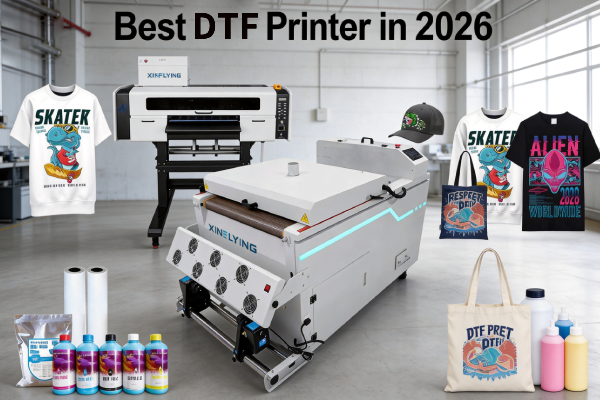
Jika Anda sedang mencari printer DTF terbaik, Anda sudah tahu bahwa pasar dibanjiri dengan pilihan — lebar cetak yang berbeda, konfigurasi kepala cetak, rentang harga, dan kasus penggunaan. Salah memilih bisa berarti membuang-buang uang, produksi lambat, dan sakit kepala pemeliharaan yang tak ada habisnya.
Panduan ini menghilangkan kebisingan. Baik Anda seorang pemula yang mendirikan toko percetakan pertama Anda atau pabrik yang ingin meningkatkan produksi, kami akan menguraikan printer DTF terbaik untuk setiap ukuran dan anggaran bisnis — dan memberi tahu Anda apa yang harus dicari sebelum membeli.
Apa yang Membuat Printer DTF “Terbaik”?
Sebelum mendalami model tertentu, inilah yang membedakan printer DTF yang bagus dengan printer yang bagus:
- Kualitas kepala cetak — Epson i3200-A1 dan XP600 adalah standar emas industri. Hindari merek printhead yang tidak dikenal.
- Sistem sirkulasi tinta putih — Tinta DTF putih mengandung titanium dioksida, yang menetap dengan cepat. Sistem sirkulasi yang baik mencegah penyumbatan dan menghemat ribuan perawatan.
- Kecepatan cetak — Diukur dalam m²/jam. Printer tingkat pemula mulai dari 3–6 m²/jam; model industri mencapai 74+ m²/jam.
- Lebar cetak —A3 (13 inci) untuk toko-toko kecil; 24-inci untuk skala menengah; 48-inci untuk pabrik.
- Dukungan purna jual — Pembaruan firmware, suku cadang pengganti, dan dukungan teknis lebih penting daripada harga mesin.
Tabel Perbandingan Printer DTF Terbaik
| Model | Lebar Cetak | Kepala cetak | Kecepatan | Terbaik Untuk |
|---|---|---|---|---|
| XF-450pro (2-kepala) | 16.5 inci | 2× Epson i1600-A1 | 6 Lulus: 9㎡/jam 8 Lulus: 7㎡/jam 12 Lulus: 5㎡/jam | Pemula / Toko-toko kecil |
| 702E+Z650-2 | 24 inci | 2× Epson i3200-A1 | 6Lulus:10m²/jam 8Lulus:8m²/jam 12Lulus:5m²/jam | Komersial skala menengah |
| C604+H6501 | 24 inci | 4× Epson i3200-A1 | 4Lulus:27m²/jam 6Lulus:18m²/jam 8Lulus:13m²/jam | Produksi komersial |
Printer DTF Terbaik untuk Pemula & Bisnis Kecil
Jika Anda baru memulai, Anda membutuhkan mesin itu terjangkau, mudah dioperasikan, dan dapat diandalkan — bukan yang tercepat atau terluas.
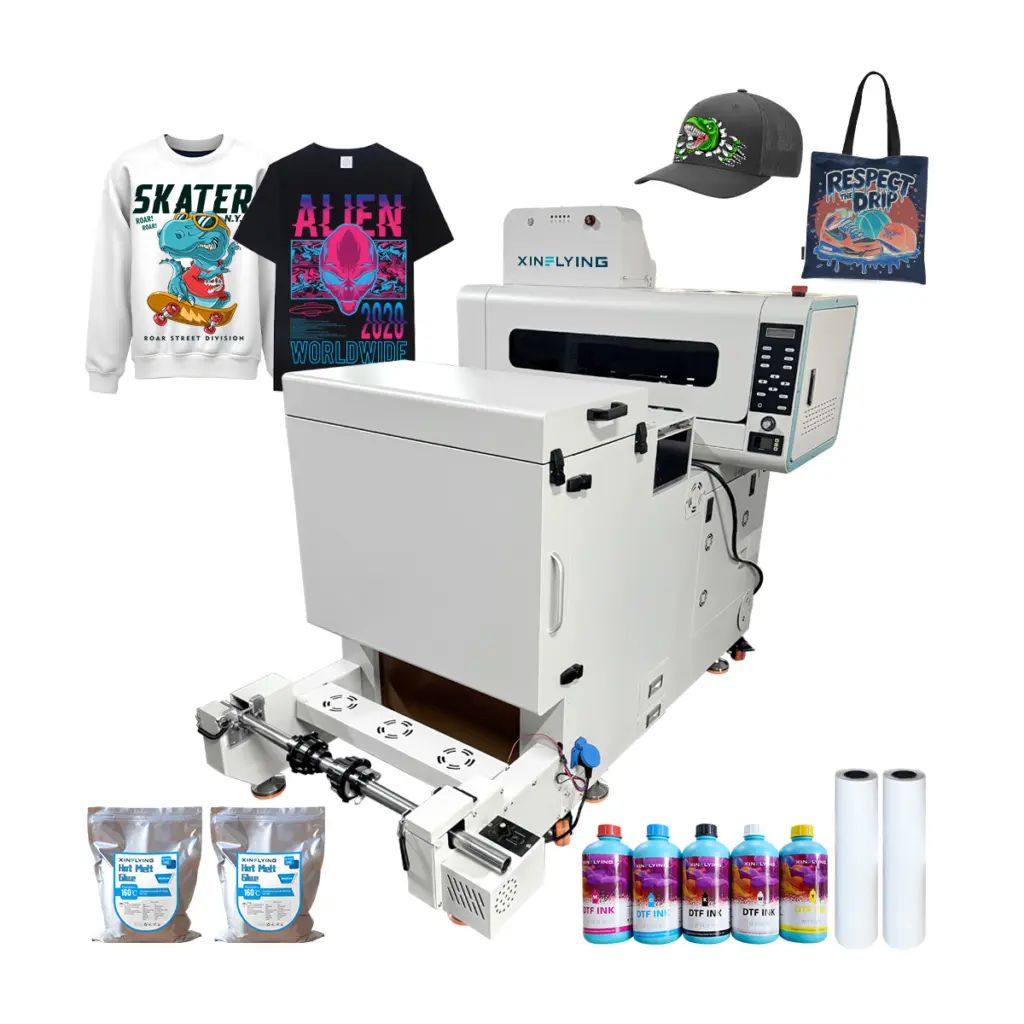
Direkomendasikan: Xinflying XF-450pro (2-Kepala Printer DTF A2)
- Lebar cetak: 16.5 inci — cukup untuk desain kaos standar
- Kepala cetak: 2× Epson i1600 — dapat diandalkan, didukung secara luas, mudah untuk diganti
- Kecepatan: 6 Lulus: 9㎡/jam; 8 Lulus: 7㎡/jam;12 Lulus: 5㎡/jam — ideal untuk pencetakan sesuai permintaan dan dalam jumlah kecil
- Sistem tinta putih: Sirkulasi bawaan, mengurangi risiko penyumbatan
- Mengapa ini printer DTF terbaik untuk pemula: Biaya masuk rendah, pengaturan sederhana, dukungan teknis Xinflying yang luar biasa, dan rekam jejak yang terbukti dengan ribuan toko percetakan kecil di seluruh dunia
Siapa yang harus membeli ini: Startup kaos khusus, Penjual Etsy, pengusaha print-on-demand, dan siapa pun yang mencetak di bawah 20 pakaian per hari.
Printer DTF Terbaik untuk Penggunaan Komersial Kecil hingga Menengah
Setelah bisnis Anda berkembang melampaui 20–50 cetakan per hari, Anda membutuhkan lebih banyak kecepatan dan konsistensi.
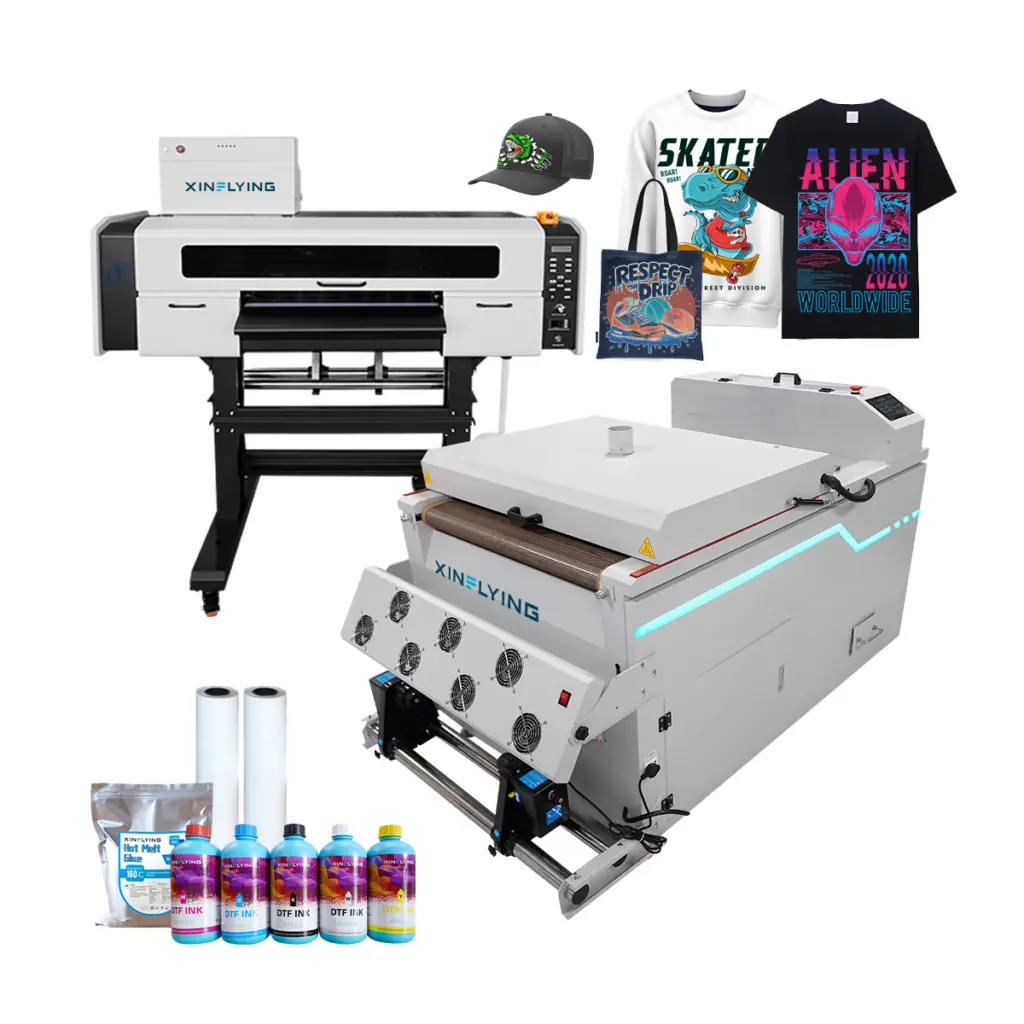
Direkomendasikan: Xinflying 702E+Z650-2 (24-Printer DTF 2 Kepala Inci)
- Lebar cetak: 24 inci — menangani lembaran geng secara efisien
- Kepala cetak: 2× Epson i3200-A1 — printhead paling andal untuk penggunaan DTF komersial
- Kecepatan: 6Lulus:10m²/jam; 8Lulus:8m²/jam; 12Lulus:5m²/jam
- Tinta putih: Sistem pengadukan dan sirkulasi otomatis
Siapa yang harus membeli ini: Toko percetakan yang berkembang, bisnis sablon menambahkan DTF, dan operasi pemenuhan POD.
Panduan Membeli Printer DTF: 5 Pertanyaan untuk Ditanyakan Sebelum Anda Membeli
1. Berapa volume cetak harian Anda? Di bawah 20 cetakan/hari → entry-level A3 atau A2. 20–200 cetakan/hari → 24 inci 4 kepala. 200+ cetakan/hari → industri 48 inci.
2. Apakah Anda memerlukan lini produksi lengkap atau hanya printer saja? Printer DTF yang berdiri sendiri masih memerlukan pengocok bubuk dan oven pengawet. Xinflying menawarkan bundel DTF lengkap yang mencakup printer + pengocok + oven — menyelamatkan Anda dari sakit kepala integrasi.
3. Kain apa yang akan Anda cetak? Cetakan DTF pada kapas, poliester, campuran, nilon, kulit, dan denim. Jika Anda mencetak secara eksklusif 100% pakaian olahraga poliester, pertimbangkan apakah sublimasi dapat menawarkan hasil yang lebih baik untuk kasus penggunaan Anda.
4. Berapa anggaran Anda untuk tinta dan bahan habis pakai? Tinta DTF, film hewan peliharaan, dan bubuk perekat merupakan biaya berulang. Tanyakan kepada pemasok Anda perkiraan biaya per pencetakan sebelum membeli.
5. Dukungan purna jualnya seperti apa? Printer adalah investasi jangka panjang. Carilah pemasok yang menawarkan pembaruan firmware, ketersediaan suku cadang, dan dukungan teknis real-time — bukan hanya manual PDF.
Mengapa Printer DTF Xinflying?
Sejak 2010, Xinflying telah memasok solusi pencetakan DTF kepada pelanggan di seluruh Amerika Utara, Eropa, dan Asia. Setiap mesin dikirimkan bersama:
- ✅ Printhead Epson i3200-A1 atau XP600 asli
- ✅ Sistem sirkulasi tinta putih otomatis
- ✅ Perangkat lunak RIP yang telah dikonfigurasi sebelumnya
- ✅ Garansi 1 tahun dengan dukungan teknis khusus
- ✅ Suku cadang tersedia secara global untuk penggantian cepat
Pertanyaan yang Sering Diajukan
Q: Apa printer DTF terbaik untuk usaha kecil? 2026? A: Untuk sebagian besar usaha kecil, Xinflying XF-450pro dengan printhead ganda Epson XP600 menawarkan keseimbangan kualitas cetak terbaik, keandalan, dan harga. Ini menangani hingga 6 m²/jam dan memerlukan pengetahuan teknis minimal untuk mengoperasikannya.
Q: Apa perbedaan pencetakan DTF dan DTG? A: DTF (Langsung ke Film) mencetak ke film PET terlebih dahulu, kemudian dipindahkan ke kain melalui heat press — ini dapat digunakan pada hampir semua kain termasuk katun, poliester, dan campuran. DTG (Langsung ke Garmen) mencetak langsung pada pakaian tetapi memerlukan pra-perawatan dan berfungsi paling baik 100% kapas. DTF umumnya menawarkan lebih banyak fleksibilitas material; DTG menawarkan sentuhan lembut pada kapas.
Q: Apakah pencetakan DTF menguntungkan? 2026? A: Ya. Pencetakan DTF terus berkembang sebagai metode pilihan untuk pakaian khusus karena fleksibilitas tanpa minimum pemesanan, keluaran warna cerah, dan kompatibilitas dengan hampir semua kain. Margin keuntungan untuk bisnis print-on-demand DTF biasanya berkisar antara 40–70% tergantung pada volume dan strategi harga.
Q: Apakah saya memerlukan software RIP khusus untuk pencetakan DTF? A: Ya. Kebanyakan printer DTF komersial memerlukan perangkat lunak RIP (seperti Maintop atau Photoprint) untuk mengelola profil warna, lapisan tinta putih, dan mencetak antrian. Mesin Xinflying telah dikonfigurasi sebelumnya dengan perangkat lunak RIP yang kompatibel.