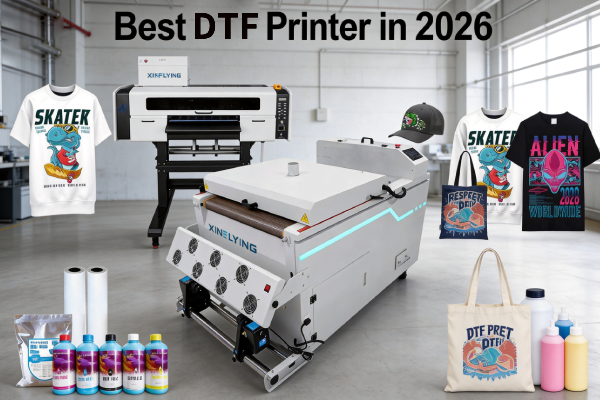
최고의 DTF 프린터를 찾고 계셨다면, 시장에는 다양한 인쇄 너비 옵션이 넘쳐난다는 사실을 이미 알고 계실 것입니다., 프린트헤드 구성, 가격대, 및 사용 사례. 잘못된 선택은 돈 낭비를 의미할 수 있습니다, 느린 생산, 끝없는 유지 관리 문제.
이 가이드는 소음을 차단합니다.. 첫 번째 인쇄소를 설립하는 초보자이거나 생산 규모를 늘리려는 공장인지 여부, 우리는 모든 비즈니스 규모와 예산에 가장 적합한 DTF 프린터를 분류하고 구매하기 전에 무엇을 찾아야 하는지 정확하게 알려드립니다..
DTF 프린터를 만드는 요소 “최고”?
특정 모델을 살펴보기 전에, 좋은 DTF 프린터와 훌륭한 프린터를 구별하는 요소는 다음과 같습니다.:
- 프린트헤드 품질 — Epson i3200-A1 및 XP600은 업계 최고의 표준입니다.. 알려지지 않은 프린트헤드 브랜드를 피하세요.
- 백색 잉크 순환 시스템 — 백색 DTF 잉크에는 이산화티타늄이 함유되어 있습니다., 빨리 해결되는 것. 적절한 순환 시스템은 막힘을 방지하고 유지 관리 비용을 수천 달러 절약해 줍니다..
- 인쇄 속도 — 단위는 m²/h입니다.. 보급형 프린터는 3~6m²/h에서 시작됩니다.; 산업 모델 도달 74+ ㎡/시간.
- 인쇄 폭 — A3 (13 인치) 작은 상점의 경우; 24-중간 규모용 인치; 48-공장용 인치.
- 판매 후 지원 — 펌웨어 업데이트, 교체 부품, 기계의 가격보다 기술 지원이 더 중요합니다.
최고의 DTF 프린터 비교표
| 모델 | 인쇄 폭 | 프린트헤드 | 속도 | 최고의 대상 |
|---|---|---|---|---|
| XF-450pro (2-머리) | 16.5 인치 | 2× 엡손 i1600-A1 | 6 통과하다: 9㎡/시간 8 통과하다: 7㎡/시간 12 통과하다: 5㎡/시간 | 초보자 / 작은 상점 |
| 702E+Z650-2 | 24 인치 | 2× 엡손 i3200-A1 | 6통과하다:10㎡/시간 8통과하다:8㎡/시간 12통과하다:5㎡/시간 | 중규모 상업 |
| C604+H6501 | 24 인치 | 4× 엡손 i3200-A1 | 4통과하다:27㎡/시간 6통과하다:18㎡/시간 8통과하다:13㎡/시간 | 상업적 생산 |
초보자를 위한 최고의 DTF 프린터 & 중소기업
이제 막 시작하신다면, 당신은 다음과 같은 기계가 필요합니다 입수 가능한, 작동하기 쉬운, 그리고 신뢰할 수 있는 — 가장 빠르거나 넓지는 않습니다..
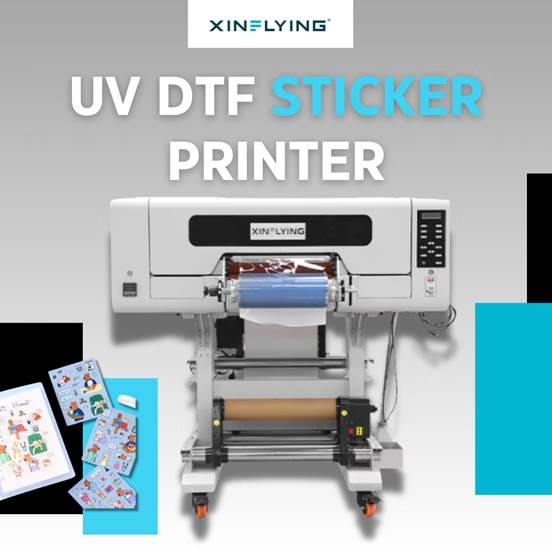
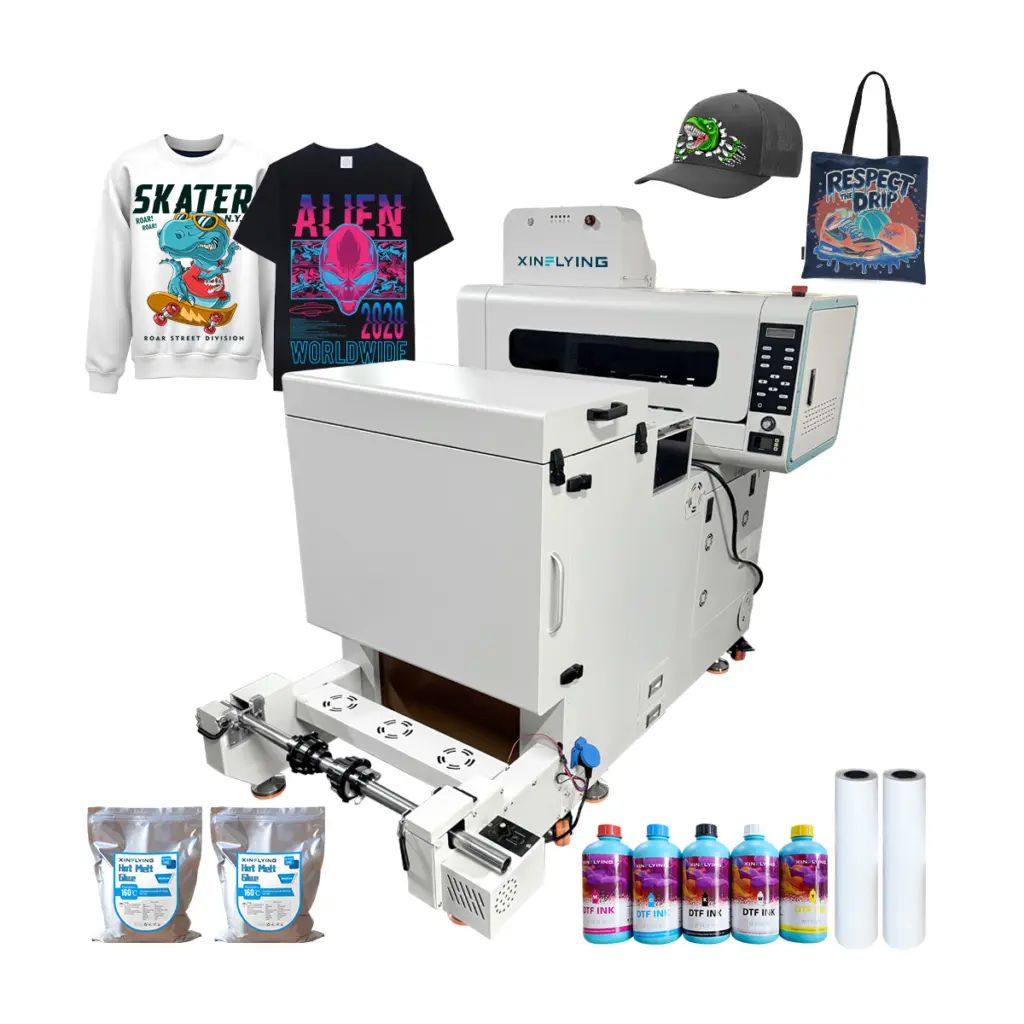
추천: Xinflying XF-450pro (2-헤드 A2 DTF 프린터)
- 인쇄 폭: 16.5 인치 – 표준 티셔츠 디자인에 충분
- 프린트헤드: 2× Epson i1600 — 신뢰성, 널리 지원됨, 교체가 용이하다
- 속도: 6 통과하다: 9㎡/시간; 8 통과하다: 7㎡/시간;12 통과하다: 5㎡/h — 주문형 및 소규모 배치 인쇄에 이상적
- 흰색 잉크 시스템: 내장 순환, 막힘 위험 감소
- 초보자를 위한 최고의 DTF 프린터인 이유: 낮은 진입 비용, 간단한 설정, 우수한 Xinflying 기술 지원, 전 세계 수천 개의 소규모 인쇄소에서 검증된 실적을 보유하고 있습니다.
누가 이걸 사야 할까?: 맞춤형 티셔츠 스타트업, Etsy sellers, 주문형 인쇄 기업가, 그리고 아래에서 인쇄하는 사람은 누구나 20 하루에 입는 옷.
중소 기업용 최고의 DTF 프린터
비즈니스가 하루에 20~50장 이상 인쇄되면, 더 빠른 속도와 일관성이 필요합니다.
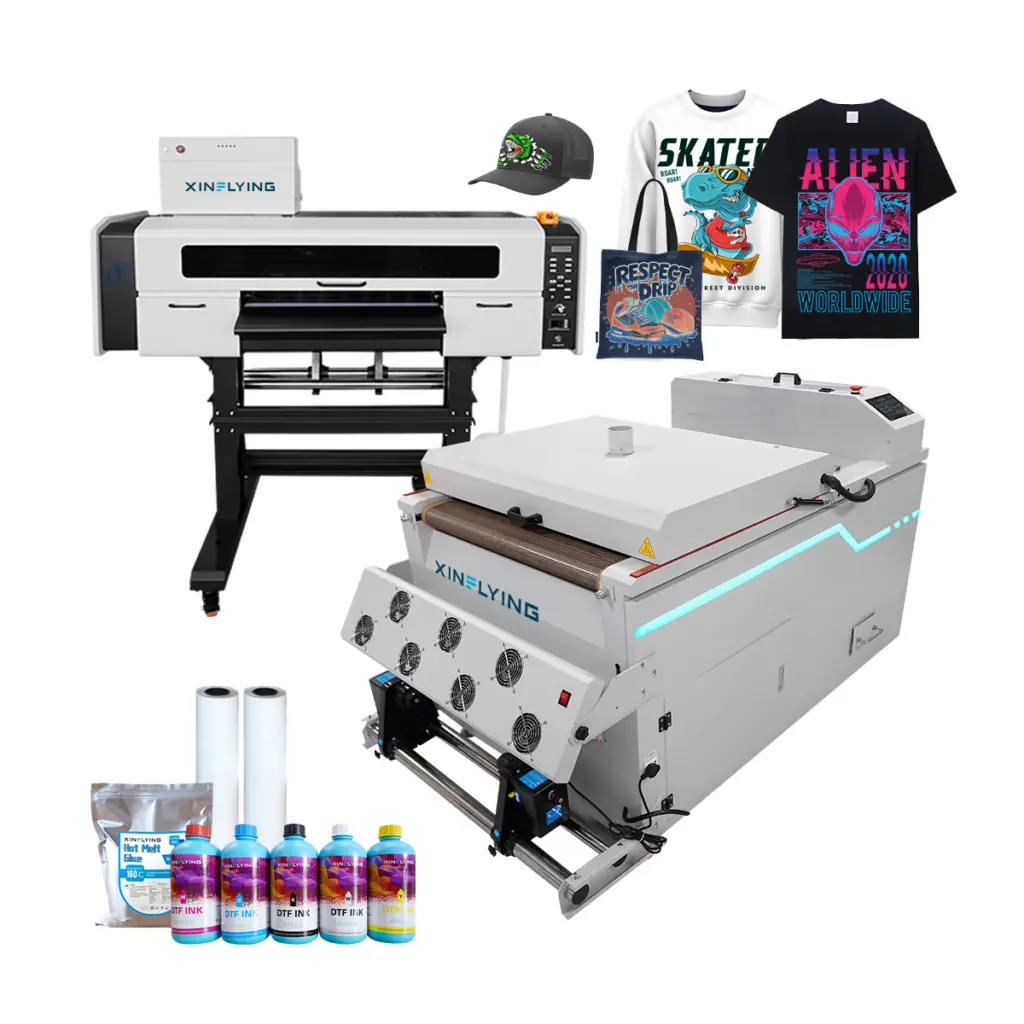
추천: 신플라잉 702E+Z650-2 (24-인치 2헤드 DTF 프린터)
- 인쇄 폭: 24 인치 - 갱 시트를 효율적으로 처리합니다.
- 프린트헤드: 2× Epson i3200-A1 — 상업용 DTF 사용을 위한 가장 안정적인 프린트 헤드
- 속도: 6통과하다:10㎡/시간; 8통과하다:8㎡/시간; 12통과하다:5㎡/시간
- 흰색 잉크: 자동 교반 및 순환 시스템
누가 이걸 사야 할까?: 성장하는 인쇄소, DTF를 추가하는 스크린 인쇄 사업, 및 POD 이행 작업.
DTF 프린터 구매 가이드: 5 구매하기 전에 물어볼 질문
1. 귀하의 일일 인쇄량은 얼마나 됩니까?? 아래에 20 인쇄/일 → A3 또는 A2 보급형. 20–200장/일 → 24인치 4헤드. 200+ 인쇄/일 → 48인치 산업용.
2. 완전한 생산 라인이 필요합니까, 아니면 프린터만 필요합니까?? 독립형 DTF 프린터에는 여전히 파우더 셰이커와 경화 오븐이 필요합니다.. Xinflying은 프린터가 포함된 완전한 DTF 번들을 제공합니다. + 셰이커 + 오븐 — 통합 문제를 해결해 드립니다.
3. 어떤 직물에 인쇄할 것인가?? 면에 DTF 프린트, 폴리에스테르, 블렌드, 나일론, 가죽, 그리고 데님. 단독으로 인쇄하는 경우 100% 폴리에스테르 운동복, 승화가 귀하의 사용 사례에 더 나은 결과를 제공할 수 있는지 고려하십시오..
4. 잉크 및 소모품에 대한 예산은 얼마입니까?? DTF 잉크, PET 필름, 접착 파우더는 반복되는 비용입니다.. 구매하기 전에 공급업체에 인쇄당 예상 비용을 문의하세요..
5. 애프터서비스 지원은 어떤가요?? 프린터는 장기 투자입니다. 펌웨어 업데이트를 제공하는 공급업체를 찾으세요., 예비 부품 가용성, PDF 매뉴얼이 아닌 실시간 기술 지원.
Xinflying DTF 프린터를 사용해야 하는 이유?
부터 2010, Xinflying은 북미 전역의 고객에게 DTF 인쇄 솔루션을 공급했습니다., 유럽, 그리고 아시아. 모든 기계는 다음과 함께 배송됩니다.:
- ✅ 정품 Epson i3200-A1 또는 XP600 프린트 헤드
- ✅ 흰색 잉크 자동 순환 시스템
- ✅ 사전 구성된 RIP 소프트웨어
- ✅ 전담 기술 지원이 포함된 1년 보증
- ✅ 빠른 교체를 위해 전 세계적으로 예비 부품을 보유하고 있습니다.
자주 묻는 질문
큐: 중소기업을 위한 최고의 DTF 프린터는 무엇입니까? 2026? 에이: 대부분의 중소기업의 경우, 듀얼 Epson XP600 프린트헤드를 갖춘 Xinflying XF-450pro는 최고의 인쇄 품질 균형을 제공합니다., 신뢰할 수 있음, 그리고 가격. 그것은까지 처리 6 m²/h이며 작동하려면 최소한의 기술 지식이 필요합니다..
큐: DTF와 DTG 인쇄의 차이점은 무엇입니까? 에이: DTF (영화로 직접) 먼저 PET 필름에 인쇄합니다., 그런 다음 열 프레스를 통해 직물로 옮깁니다. 면을 포함한 거의 모든 직물에 적용됩니다., 폴리에스테르, 그리고 블렌드. DTG (의복으로 직접) 의류에 직접 인쇄하지만 전처리가 필요하며 가장 잘 작동합니다. 100% 면. DTF는 일반적으로 더 많은 재료 다양성을 제공합니다.; DTG는 면에 더 부드러운 촉감을 제공합니다..
큐: DTF 인쇄는 다음과 같은 분야에서 수익성이 있습니까? 2026? 에이: 예. DTF 인쇄는 최소 주문 유연성으로 인해 맞춤형 의류에 선호되는 방법으로 계속해서 성장하고 있습니다., 생생한 색상 출력, 거의 모든 직물과의 호환성. DTF 주문형 인쇄 비즈니스의 이윤폭은 일반적으로 수량 및 가격 전략에 따라 40~70%입니다..
큐: DTF 인쇄를 위해 특별한 RIP 소프트웨어가 필요합니까?? 에이: 예. 대부분의 상업용 DTF 프린터에는 RIP 소프트웨어가 필요합니다. (Maintop 또는 Photoprint와 같은) 색상 프로필을 관리하려면, 흰색 잉크 레이어, 및 인쇄 대기열. Xinflying 기계는 호환 가능한 RIP 소프트웨어로 사전 구성되어 제공됩니다..