A Professional Guide for Direct to Film Printing
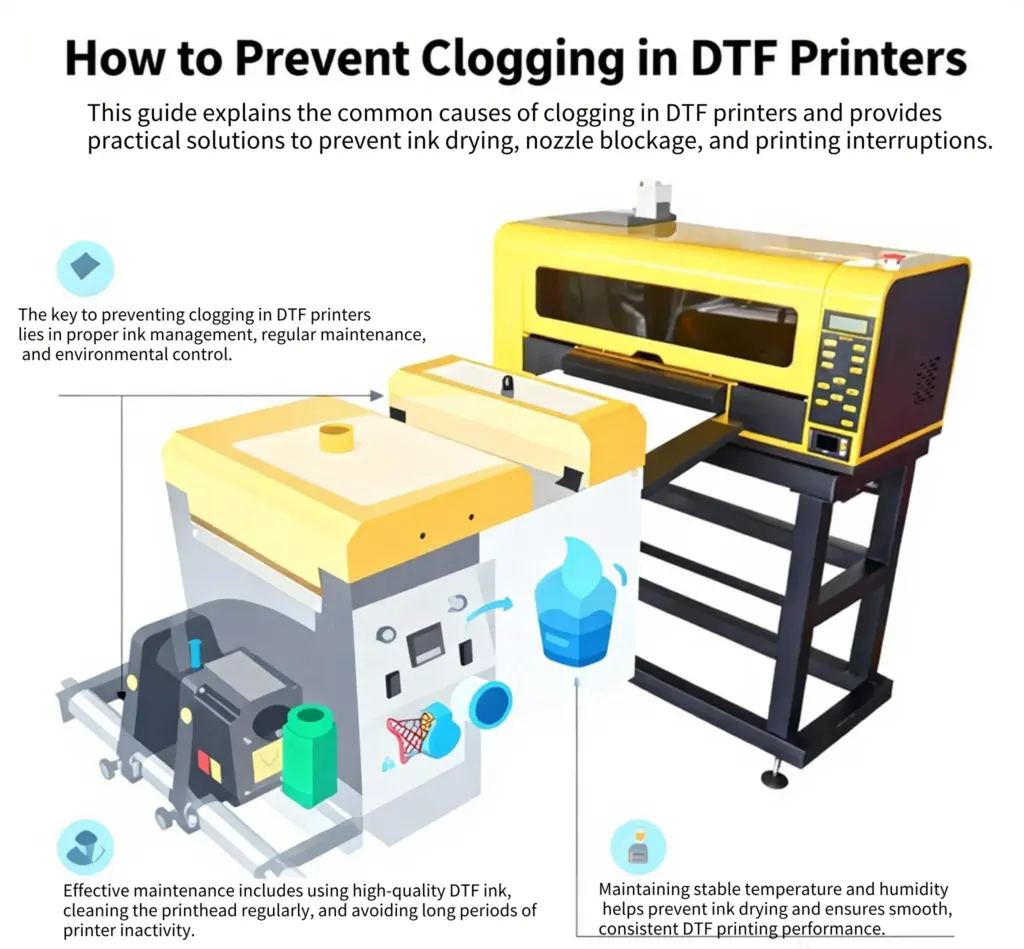
Proper maintenance and correct operation are essential for ensuring stable performance in DTF printers. Whether you are running a DTF printing machine for mass production or operating a DTF printer for beginners, printhead clogging remains one of the most common challenges in DTF printing and DTF transfer printing.
This guide explains how to reduce clogging risks in direct to film printers, covering ink management, printing operations, routine maintenance, and environmental control.
1. Ink Management: The Foundation of Reliable DTF Printing
Choose High-Quality DTF Ink
Using high-quality ink is critical for all DTF transfer printers, especially Epson DTF printers equipped with precision printheads.
- Always use original or certified compatible ink designed for DTF printing machines
- Premium ink ensures better fluidity, consistent pigment dispersion, and reduced sedimentation
- Low-quality ink is a major cause of clogging in DTF printers for sale used in commercial environments
High-quality ink is the first step to producing durable, vibrant DTF printed transfers.
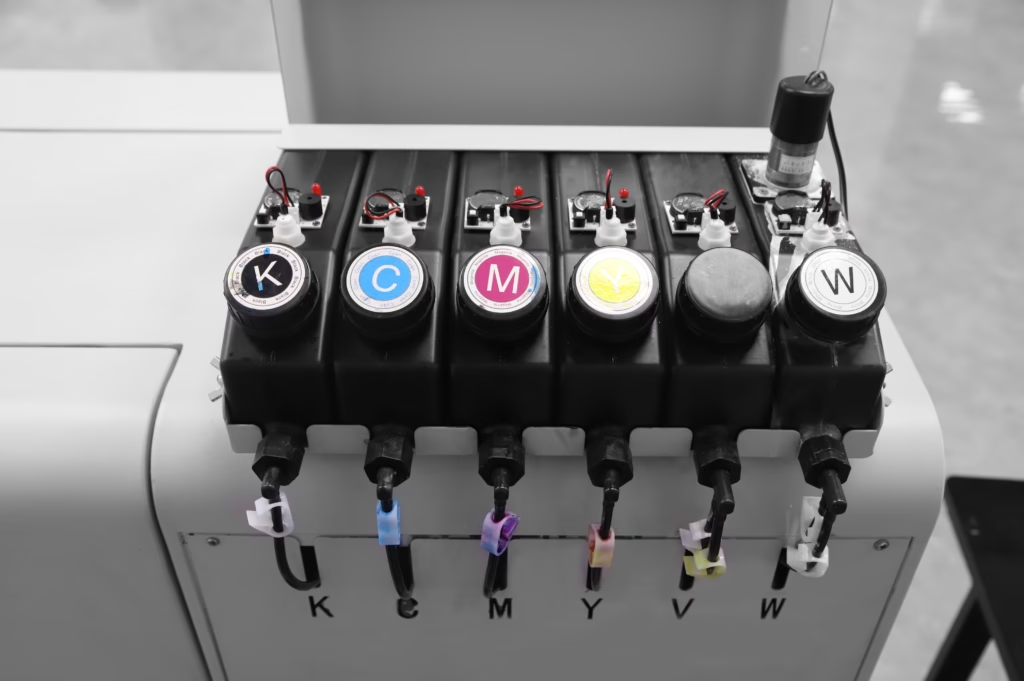
Proper Ink Usage and Storag
- Shake ink bottles thoroughly before use, especially white ink
- Seal ink containers immediately after printing to prevent evaporation
- Store ink according to manufacturer guidelines
- Never use expired ink in any DTF machine
These steps help maintain stable ink flow for DTF printer for shirts and other textile applications.
2. Printing Operations: Keeping Ink Flow Active
Maintain Regular Printing Frequency
Infrequent use is a leading cause of nozzle blockage in DTF printing machines.
- Run at least 1–2 test prints per week if production volume is low
- Regular ink circulation is essential for DTF printers used in small studios or POD businesses
Consistent operation keeps your DTF transfer printer in optimal condition.
Optimize Print Job Settings
- Avoid frequent short print jobs that cause repeated start-stop cycles
- Add color bars or edge patterns to ensure all nozzles remain active
- This is especially important for DTF printer for beginners, where nozzle inactivity is common
These practices improve consistency in DTF transfer printing and reduce maintenance issues.
Proper Shutdown Procedures
After printing:
- Ensure the printhead returns to the capping station
- Keep the printhead sealed in a humid environment before shutdown
- Never power off a direct to film printer with the printhead exposed
Correct shutdown procedures protect the printhead and extend the lifespan of your DTF printing machine.
3. Routine Maintenance: Extending the Life of Your DTF Machine
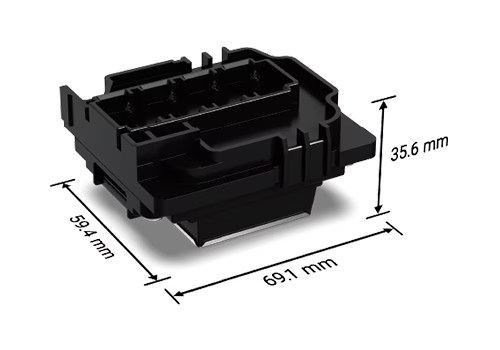
Clean the Printhead Regularly
- Clean weekly or biweekly depending on usage
- Use approved cleaning solutions and lint-free materials
- Gently remove ink residue without applying pressure
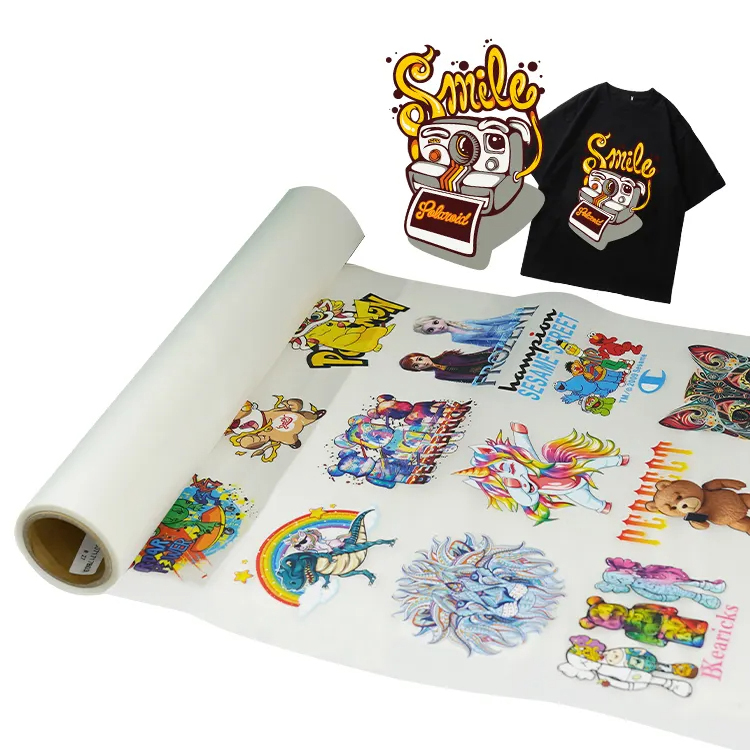
Routine cleaning is essential for maintaining professional-quality DTF printed transfers.
Inspect the Ink System
Regularly check:
- Ink cartridges or bulk ink systems
- Ink tubes, dampers, and filters
Replace worn components promptly to ensure stable ink delivery in DTF printers for sale used in high-volume production.
Keep the Printer Interior Clean
- Remove dust and residue with a vacuum or low-pressure air
- Prevent contamination near the printhead
- A clean interior supports long-term stability in DTF printing near me service operations
4. Environmental Control: Creating the Ideal DTF Printing Conditions
Temperature Control
Maintain a working temperature of 15°C–30°C (59°F–86°F).
Extreme temperatures can negatively affect ink behavior in DTF printers, leading to drying or poor ink flow.
Humidity Management
Ideal humidity range: 40%–60% RH
- Low humidity increases ink drying and clogging
- High humidity may cause ink instability and adhesion issues during DTF transfer printing
Stable environmental conditions are essential for consistent DTF printed results.
Conclusion: Stable DTF Printing Starts with Prevention
Whether you are operating a small DTF printer for beginners, running a DTF printer for shirts, or managing a commercial DTF printing machine, preventive maintenance is the key to success.
By following proper ink management, consistent printing routines, routine maintenance, and environmental control, you can:
- Reduce printhead clogging
- Improve print consistency
- Extend the lifespan of your direct to film printer
- Ensure reliable production for DTF printing near me business services
Preventive care ensures that your DTF transfer printer remains productive, efficient, and profitable.