When it comes to choosing the right printhead for your printing needs, the Epson XP600 and I3200 printheads are two popular options. Understanding the key differences between these two printheads can help you make an informed decision. From printing speed to cost and application, each printhead has its own set of advantages and disadvantages. Let’s delve deeper into the specifications and features of the Epson XP600 and I3200 printheads to see which one suits your printing requirements best.
What is a Printer Printhead?
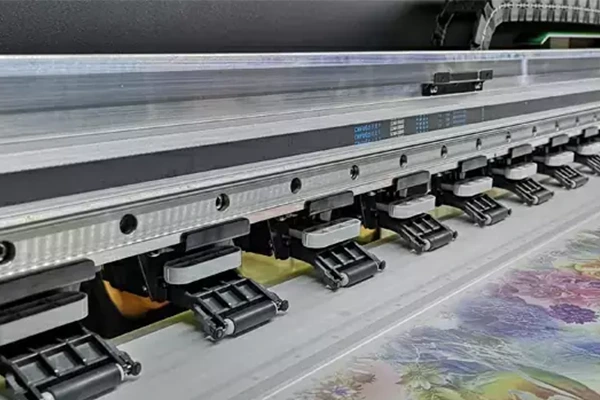
A printer printhead is an essential component of a printing device that controls the droplet size, placement, and flow of ink onto the printing substrate. It plays a crucial role in determining the print quality, resolution, and speed of the printing process.
I3200 Printhead Overview
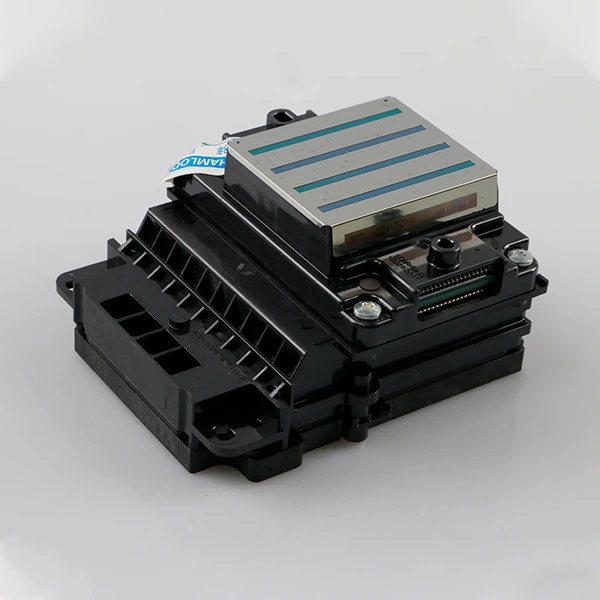
The I3200 printhead is known for its high printing resolution and superior performance. With a maximum resolution of up to 1440dpi, the I3200 printhead delivers sharp and detailed prints. The smaller drop sizes, typically less than 4pl, enable smoother color transitions and precise image rendering. However, the I3200 printhead comes at a higher equipment cost compared to the XP600 printhead.
Epson I3200 Printhead Specification
- Maximum printing resolution of up to 1440dpi
- Small drop sizes of less than 4pl
- High printing speed, exceeding 120 square meters per hour
- Suitable for applications requiring high print quality and production efficiency
Pros and Cons of Using the I3200 Printhead
Pros:
- High printing resolution for detailed and sharp prints
- Faster printing speed for increased productivity
- Ideal for professional-grade and industrial-grade printing equipment
Cons:
- Higher equipment cost compared to the XP600 printhead
XP600 Printhead Overview
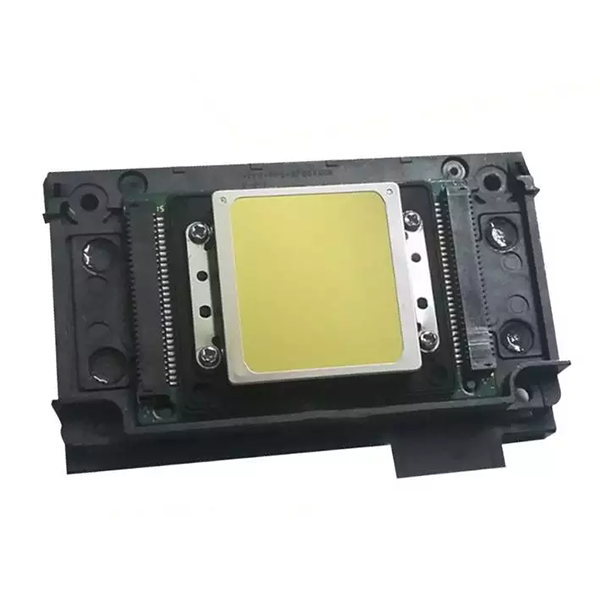
The XP600 printhead, released around 2018, is designed as an economical water-based printhead suitable for various printing applications. With a 6-channel head, the XP600 printhead offers decent stability and is widely accepted in the market due to its lower price. While it may not match the color saturation of the I3200, the XP600 printhead is cost-effective and commonly used in smaller home and office environments.
XP600 Printhead Specifications
- Economical water-based printhead
- Widely used in mid to low-end printing equipment
Pros and Cons of Using the XP600 Printhead
Pros:
- Cost-effective option for budget-conscious users
- Suitable for printing photos, documents, and daily office prints
- Compatible with a wide range of printing equipment
Cons:
- Lower color saturation compared to the I3200 printhead
- Moderate stability may not be suitable for high volume printing tasks
Epson I3200 vs. XP600
XP600 vs. I3200 Comparison Table
| Printhead | Epson XP600 Printhead | Epson I3200 Printhead |
| Ink Types | Eco solvent ink | Aqueous, UV/ Eco solvent ink |
| Nozzle Numbers | 1080 | 3200 |
| Nozzle Rows | 6 rows | 8 rows |
| Nozzle Resolution | 180npi/row 360dpi/2row | 300 npi/row 600 npi/2 rows |
| Effective print width | 25.4 mm | 33.8 mm |
| Max color/head | 6 colors (180dpi) | 4 colors (600dpi) |
| Dimension | 84.9×57.2×42.6mm | 69.1×59.5×35.6 mm |
| Weight | 60g | 78g |
Printing Speed
The I3200 printhead boasts a faster printing speed, reaching over 120 square meters per hour, making it ideal for high-volume printing tasks. In contrast, the XP600 printhead typically has a printing speed of around 10 square meters per hour, suitable for smaller printing jobs.
Cost
The I3200 printhead comes at a higher equipment cost due to its advanced features and capabilities. On the other hand, the XP600 printhead is a cost-effective option for users looking for budget-friendly printing solutions.
Application
The I3200 printhead finds its niche in applications that demand high print quality and efficiency, such as outdoor advertising, signage production and textile printing. Meanwhile, the XP600 printhead is commonly used in smaller home and office environments for everyday printing needs.
XP600 vs. I3200, How to Choose?
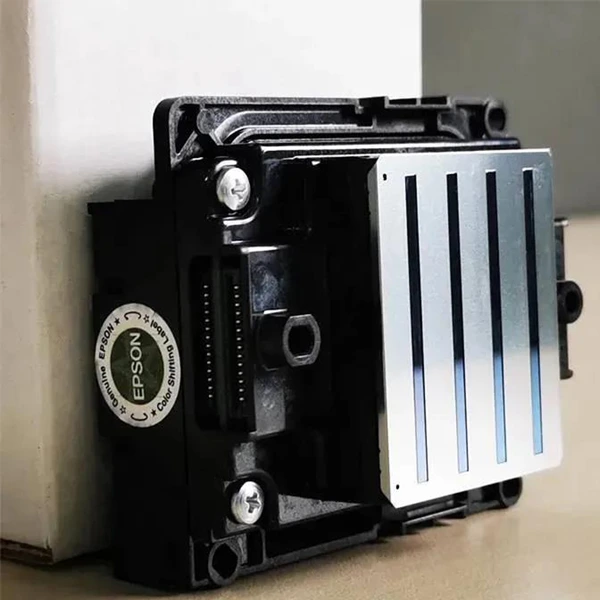
When choosing between the XP600 and I3200 printheads, consider your specific printing requirements, budget constraints, and application needs. If you prioritize high print quality and production efficiency, the I3200 printhead is the ideal choice. On the other hand, if you are looking for a budget-friendly option with moderate stability, the XP600 printhead may be more suitable for your printing needs.
What Can I Use to Clean Printheads?
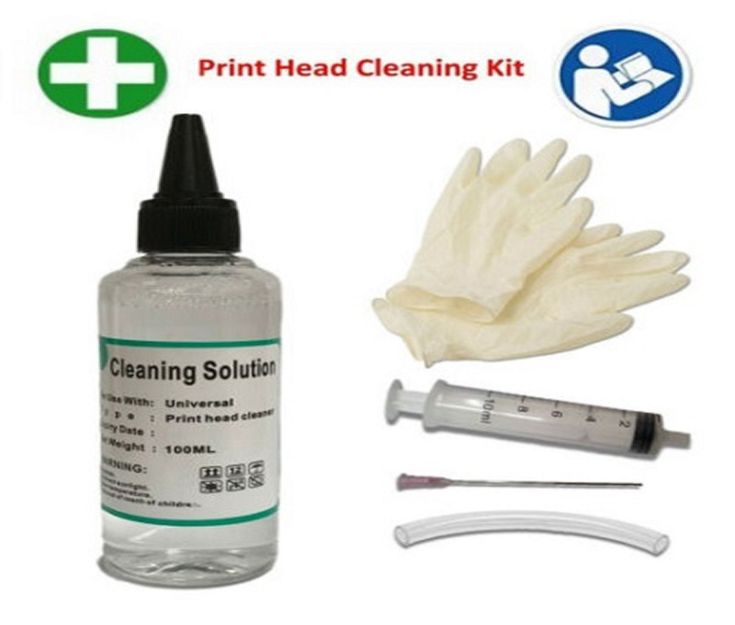
To ensure optimal performance and longevity of your printer printheads, regular cleaning is essential. Utilize specialized printhead cleaning solutions and tools recommended by the print head manufacturer to remove ink residues and debris from the printheads. Follow the manufacturer’s guidelines for proper cleaning procedures to maintain the print quality and reliability of your printer.
Conclusion
In conclusion, the Epson XP600 and I3200 printheads offer unique features and capabilities tailored to specific printing needs. While the I3200 printhead excels in high print resolution and speed, the XP600 printhead provides a cost-effective solution for everyday printing tasks. Consider your printing requirements, budget, and application needs before choosing between these two printheads to achieve optimal results in your printing endeavors. With a thorough understanding of the differences between the Epson XP600 and I3200 printheads, you can make an informed decision that aligns with your printing goals.