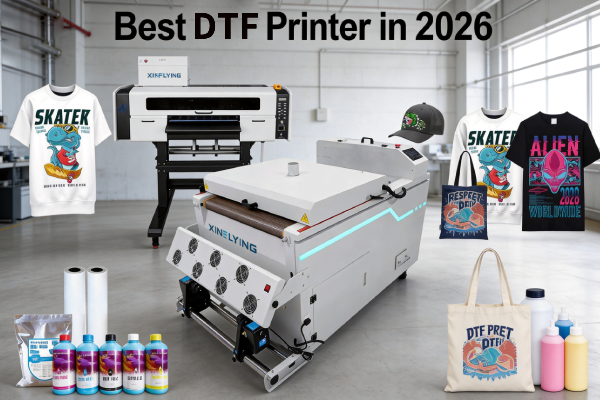
If you’ve been searching for the best DTF printer, you already know the market is flooded with options — different print widths, printhead configurations, price ranges, and use cases. The wrong choice can mean wasted money, slow production, and endless maintenance headaches.
This guide cuts through the noise. Whether you’re a beginner setting up your first print shop or a factory looking to scale production, we’ll break down the best DTF printers for every business size and budget — and tell you exactly what to look for before you buy.
What Makes a DTF Printer “The Best”?
Before diving into specific models, here’s what separates a good DTF printer from a great one:
- Printhead quality — Epson i3200-A1 and XP600 are the industry gold standard. Avoid unknown printhead brands.
- White ink circulation system — White DTF ink contains titanium dioxide, which settles quickly. A proper circulation system prevents clogging and saves you thousands in maintenance.
- Print speed — Measured in m²/h. Entry-level printers start at 3–6 m²/h; industrial models reach 74+ m²/h.
- Print width — A3 (13 inch) for small shops; 24-inch for mid-scale; 48-inch for factories.
- After-sales support — Firmware updates, replacement parts, and technical support matter more than the machine’s price tag.
Best DTF Printer Comparison Table
| Model | Print Width | Printheads | Speed | Best For |
|---|---|---|---|---|
| XF-450pro (2-head) | 16.5 inch | 2× Epson i1600-A1 | 6 Pass: 9㎡/h 8 Pass: 7㎡/h 12 Pass: 5㎡/h | Beginners / Small shops |
| 702E+Z650-2 | 24 inch | 2× Epson i3200-A1 | 6Pass:10m²/h 8Pass:8m²/h 12Pass:5m²/h | Mid-scale commercial |
| C604+H6501 | 24 inch | 4× Epson i3200-A1 | 4Pass:27m²/h 6Pass:18m²/h 8Pass:13m²/h | Commercial production |
Best DTF Printer for Beginners & Small Business
If you’re just starting out, you need a machine that’s affordable, easy to operate, and reliable — not the fastest or the widest.
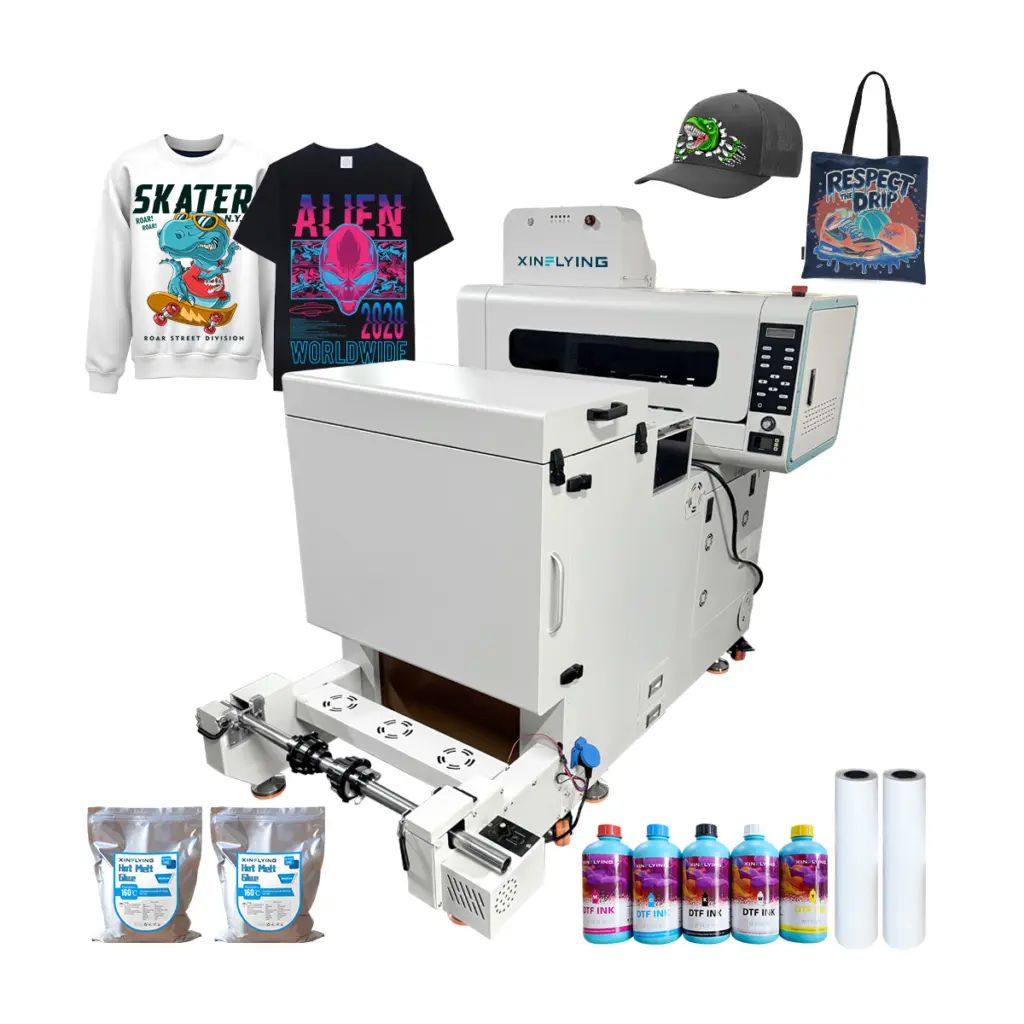
Recommended: Xinflying XF-450pro (2-Head A2 DTF Printer)
- Print width: 16.5 inches — enough for standard t-shirt designs
- Printheads: 2× Epson i1600 — reliable, widely supported, easy to replace
- Speed: 6 Pass: 9㎡/h; 8 Pass: 7㎡/h;12 Pass: 5㎡/h — ideal for on-demand and small-batch printing
- White ink system: Built-in circulation, reducing clogging risk
- Why it’s the best DTF printer for beginners: Low entry cost, simple setup, excellent Xinflying technical support, and a proven track record with thousands of small print shops worldwide
Who should buy this: Custom t-shirt startups, Etsy sellers, print-on-demand entrepreneurs, and anyone printing under 20 garments per day.
Best DTF Printer for Small-to-Mid Commercial Use
Once your business grows past 20–50 prints per day, you need more speed and consistency.
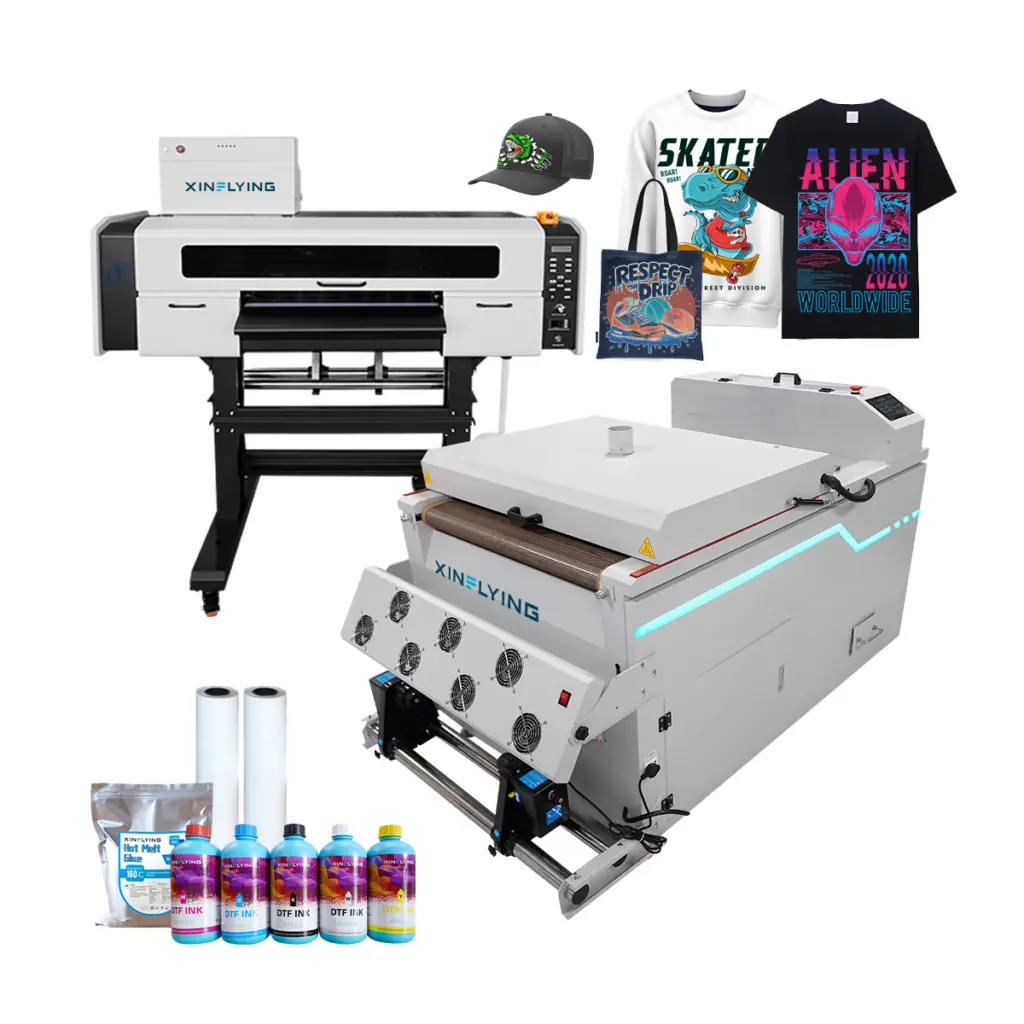
Recommended: Xinflying 702E+Z650-2 (24-Inch 2-Head DTF Printer)
- Print width: 24 inches — handles gang sheets efficiently
- Printheads: 2× Epson i3200-A1 — the most reliable printhead for commercial DTF use
- Speed: 6Pass:10m²/h; 8Pass:8m²/h; 12Pass:5m²/h
- White ink: Automated stirring and circulation system
Who should buy this: Growing print shops, screen print businesses adding DTF, and POD fulfillment operations.
DTF Printer Buying Guide: 5 Questions to Ask Before You Buy
1. What’s your daily print volume? Under 20 prints/day → A3 or A2 entry-level. 20–200 prints/day → 24-inch 4-head. 200+ prints/day → 48-inch industrial.
2. Do you need a complete production line or just the printer? A standalone DTF printer still requires a powder shaker and curing oven. Xinflying offers complete DTF bundles that include printer + shaker + oven — saving you integration headaches.
3. What fabrics will you print on? DTF prints on cotton, polyester, blends, nylon, leather, and denim. If you’re printing exclusively on 100% polyester sportswear, consider whether sublimation might offer a better result for your use case.
4. What’s your budget for ink and consumables? DTF ink, PET film, and adhesive powder are recurring costs. Ask your supplier for a cost-per-print estimate before purchasing.
5. What’s the after-sales support like? A printer is a long-term investment. Look for suppliers who offer firmware updates, spare parts availability, and real-time technical support — not just a PDF manual.
Why Xinflying DTF Printers?
Since 2010, Xinflying has supplied DTF printing solutions to customers across North America, Europe, and Asia. Every machine ships with:
- ✅ Genuine Epson i3200-A1 or XP600 printheads
- ✅ Automated white ink circulation system
- ✅ Pre-configured RIP software
- ✅ 1-year warranty with dedicated technical support
- ✅ Spare parts stocked globally for fast replacement
Frequently Asked Questions
Q: What is the best DTF printer for a small business in 2026? A: For most small businesses, the Xinflying XF-450pro with dual Epson XP600 printheads offers the best balance of print quality, reliability, and price. It handles up to 6 m²/h and requires minimal technical knowledge to operate.
Q: What is the difference between DTF and DTG printing? A: DTF (Direct to Film) prints onto PET film first, then transfers to fabric via heat press — it works on virtually any fabric including cotton, polyester, and blends. DTG (Direct to Garment) prints directly onto the garment but requires pre-treatment and works best on 100% cotton. DTF generally offers more material versatility; DTG offers a softer hand feel on cotton.
Q: Is DTF printing profitable in 2026? A: Yes. DTF printing continues to grow as a preferred method for custom apparel due to its no-minimum-order flexibility, vibrant color output, and compatibility with virtually any fabric. Profit margins for DTF print-on-demand businesses typically range from 40–70% depending on volume and pricing strategy.
Q: Do I need a special RIP software for DTF printing? A: Yes. Most commercial DTF printers require RIP software (such as Maintop or Photoprint) to manage color profiles, white ink layers, and print queues. Xinflying machines come pre-configured with compatible RIP software.